Advice about the documentation Part D VC-6000
TM
Compact monitor
© VC-6000
TM
Compact monitor Dec 09 C100585.002 Communication Vers. 03 - 9 -
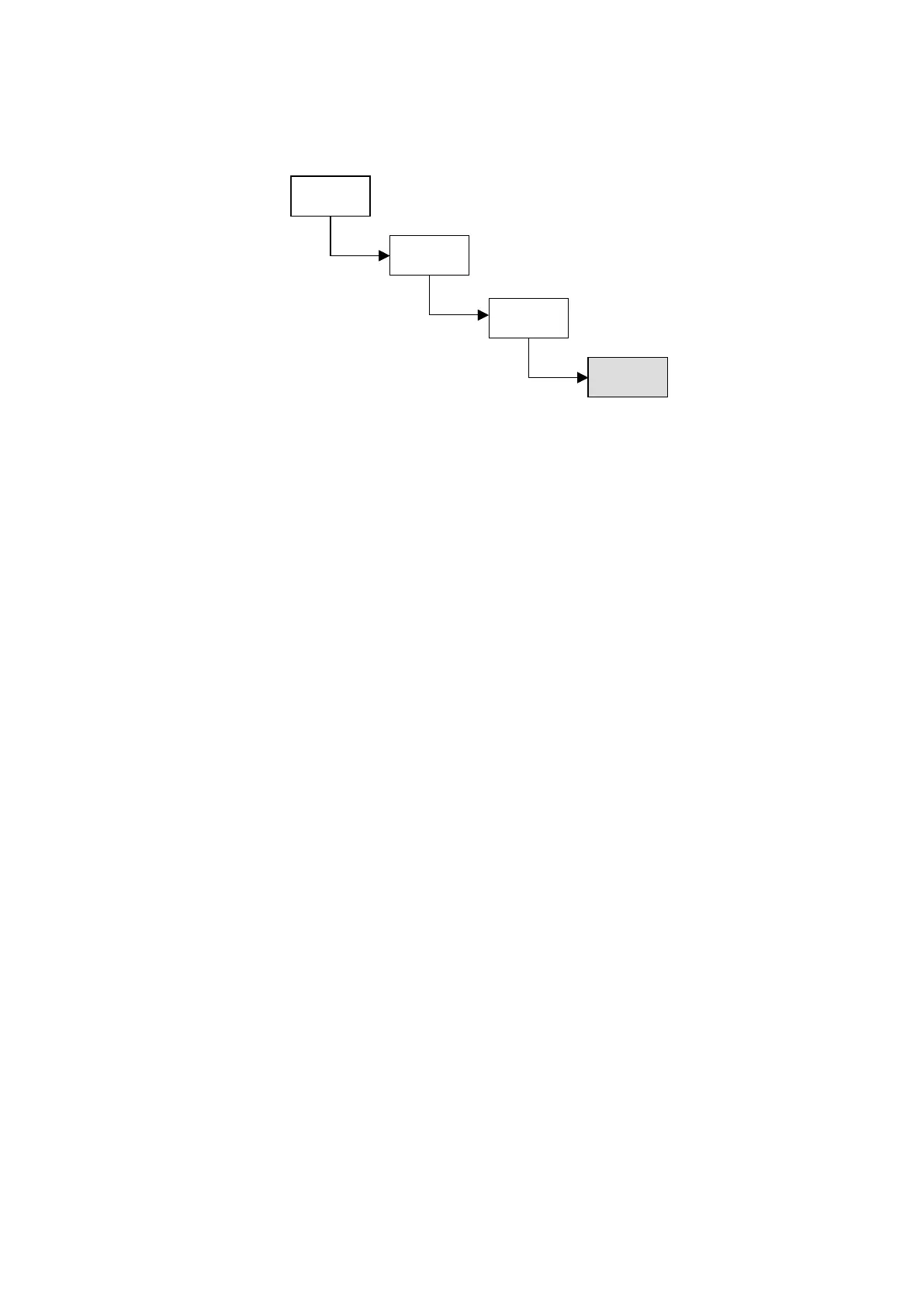
3.1.4 Display and editing level
♦ Each individual parameter has its own position arranged in the Display
and Editing level, which can be used for displaying the settings and
editing them.
♦ Th display and editing level are context-sensitive, e.g. the menu option
SAVE CHANGES is offered only when any settings have been changed.
3.2 Password-protected menu access
♦ The menu system of the VIBROCONTROL 6000 Compact monitor is
equipped with a password protection. There are two security steps:
USER and SUPER USER.
♦ Without a password the user will be automatically assigned USER
status. This status only allows you to read from the menu system.
♦ With the correct password entry the user will be given SUPER USER
status. In contrast to the normal USER, the SUPER USER can change
any of the settings.
Privileges and access rights of a SUPER USER:
♦ Edit the password
♦ Change the language.
English, German and French are available for selection. English is the
default language. Further languages are in preparation.
♦ Set up the parameter CLOCK REFERENCE. The CLOCK REFERENCE
is used internally to time stamp events that occur (e.g. logbook entries).
♦ Set the parameter MONITORING to enabled or disabled.
♦ Confirm event messages and reset latching relays.
♦ SAVE changes or DISCARD them when logging off.
♦ EDIT PARAMETER-SETTINGS of the signal-flow chart components.
Parameter
level
Display &
editing level
Start level
Block level
Parameter
level
Display &
editing level
Start level
Block level



 To Next Page