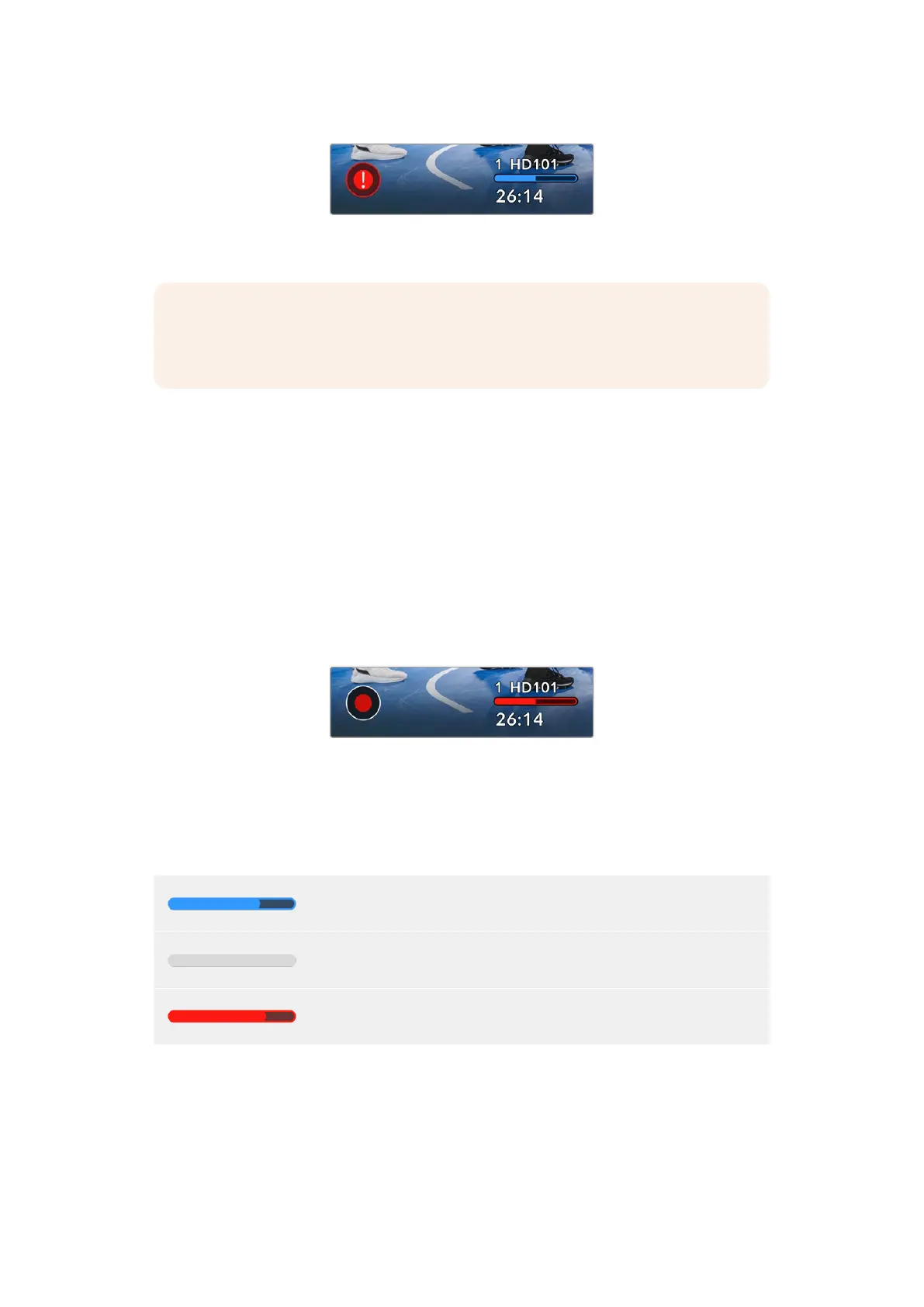
The dropped frame indicator appears when
your camera’s flash disk is dropping frames
NOTE You can set your Blackmagic Micro Studio Camera 4K G2 to stop recording if
dropped frames are detected to avoid recording unusable footage. See the ‘record
menu’ section in this manual for more information.
Storage Indicator
The storage indicator is visible at the bottom of HDMI display next to the ‘record’ button. This
indicator displays information about the USB-C drive connected to your camera.
Record Time Remaining
When a USB-C flash disk is connected to your camera, the storage indicator at the bottom of
the HDMI display will show how much recording time is left on the disk. The time is shown in
hours and minutes and varies according to your selected frame rate and codec. The indicator
automatically recalculates if either of these settings are changed.
When there is approximately 5 minutes remaining on your flash disk, the storage indicator text
will turn red, the indicator will blink slowly when there is 3 minutes remaining and blink quickly
when there is less than 30 seconds of recording time remaining.
The storage indicator shows the name of your
flash disk and the available record time
Media Bar
The media bar icon above the recording time will be either blue, white or red depending on its
current status and will display the used space on the USB-C flash disk.
A blue icon indicates that the flash disk is ready for recording. . A solid blue
icon indicates the disk is full.
A white icon indicates that there is a USB-C flash disk present, but not
active.
The bar will illuminate red during recording.
For more information about recording to USB-C flash disk, refer to the ‘record menu’ section of
this manual.
26Using the HUD Controls


 To Next Page
 Loading...
