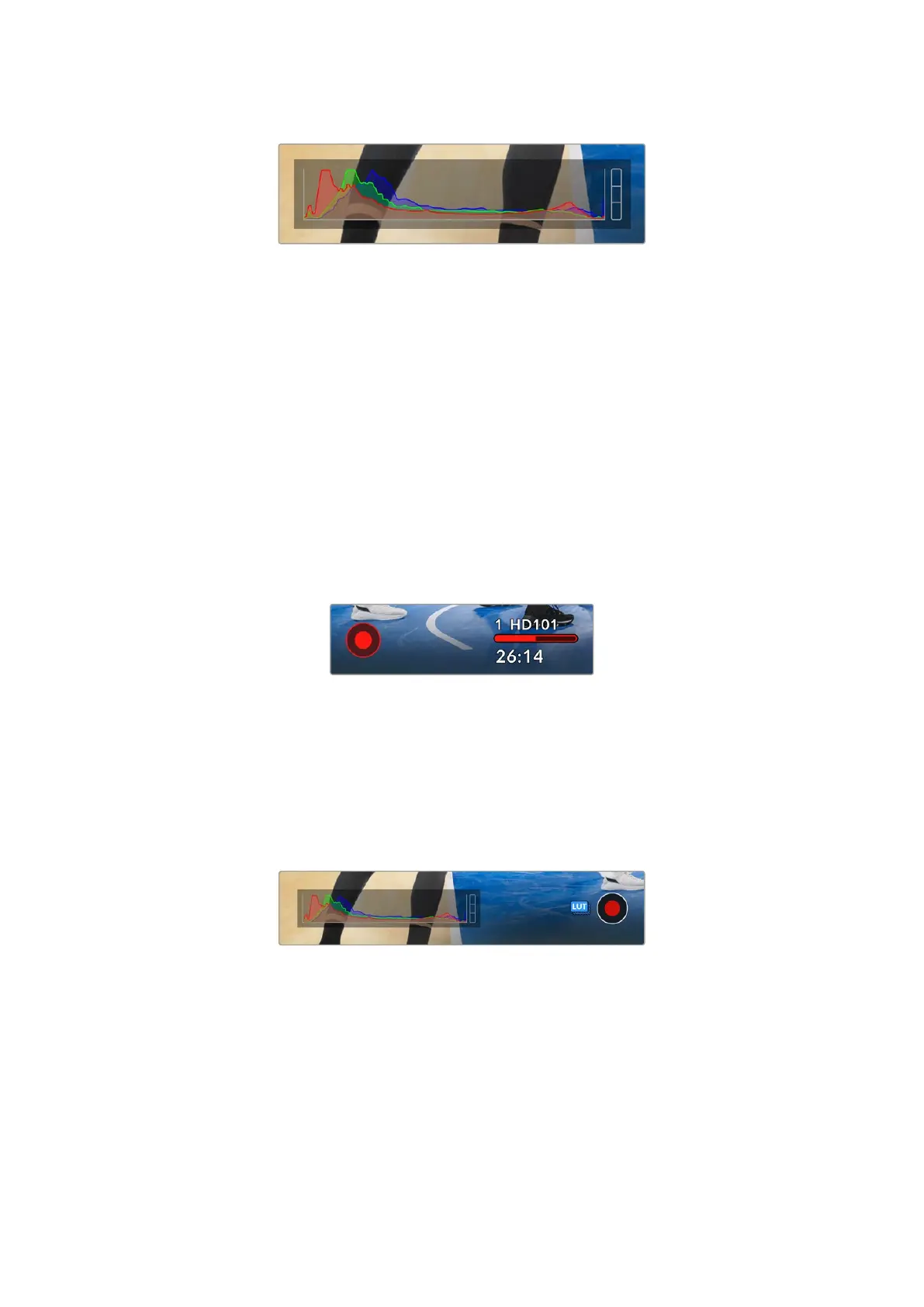
The histogram gives you an indication of the tonal range
between shadows and highlights in your clip
The left edge of the histogram displays shadows, or blacks, and the far right displays
highlights, or whites. When you close or open the lens aperture, you’ll notice the information
in the histogram moves to the left or right accordingly. You can use this to check ‘clipping’ in
your image shadows and highlights. When clipping occurs in the red, green or blue channel
highlights, the respective indicator on the right side of the histogram lights up. If the left and
right of your edges of the histogram come to an abrupt stop rather than falling off gradually, you
may be losing highlight or shadow detail.
If you don’t see a histogram in the bottom left of your HDMI display, your HDMI monitor settings
may be set to ‘director’. See the ‘monitor menu’ section for more information.
Record Button Indicator
Next to the histogram at the bottom of your camera’s HDMI output is the record button
indicator. While recording, the button, media bar icon and the timecode at the top of your
camera’s HDMI output will turn red.
When recording, the record button
and media bar illuminates red
Apply LUT in File
If you have chosen to apply a LUT to your recorded clips in the ‘record’ settings, a blue ‘LUT’
icon is displayed next to the record button. This icon will be displayed in the top left corner of
the screen if you also have ‘display 3D LUT’ switched ‘on’ in the monitor settings.
The LUT indicator is displayed in both standby and record mode.
For more information on recording LUTs with Blackmagic RAW files, refer to the ‘record menu’
section later in this manual.
Dropped Frame Indicator
The record indicator button is overlaid with a flashing ‘!’ indicator if your camera begins
dropping frames while recording. The time remaining indicator for the USB-C flash disk also
turns red. This lets you know if your USB-C flash disk is too slow for your currently selected
codec and resolution. The ‘dropped frame indicator’ also appears if you have dropped a frame
on the previously recorded clip. This indicator continues until another clip is recorded, or the
camera is power cycled.
25Using the HUD Controls


 To Next Page
 Loading...
