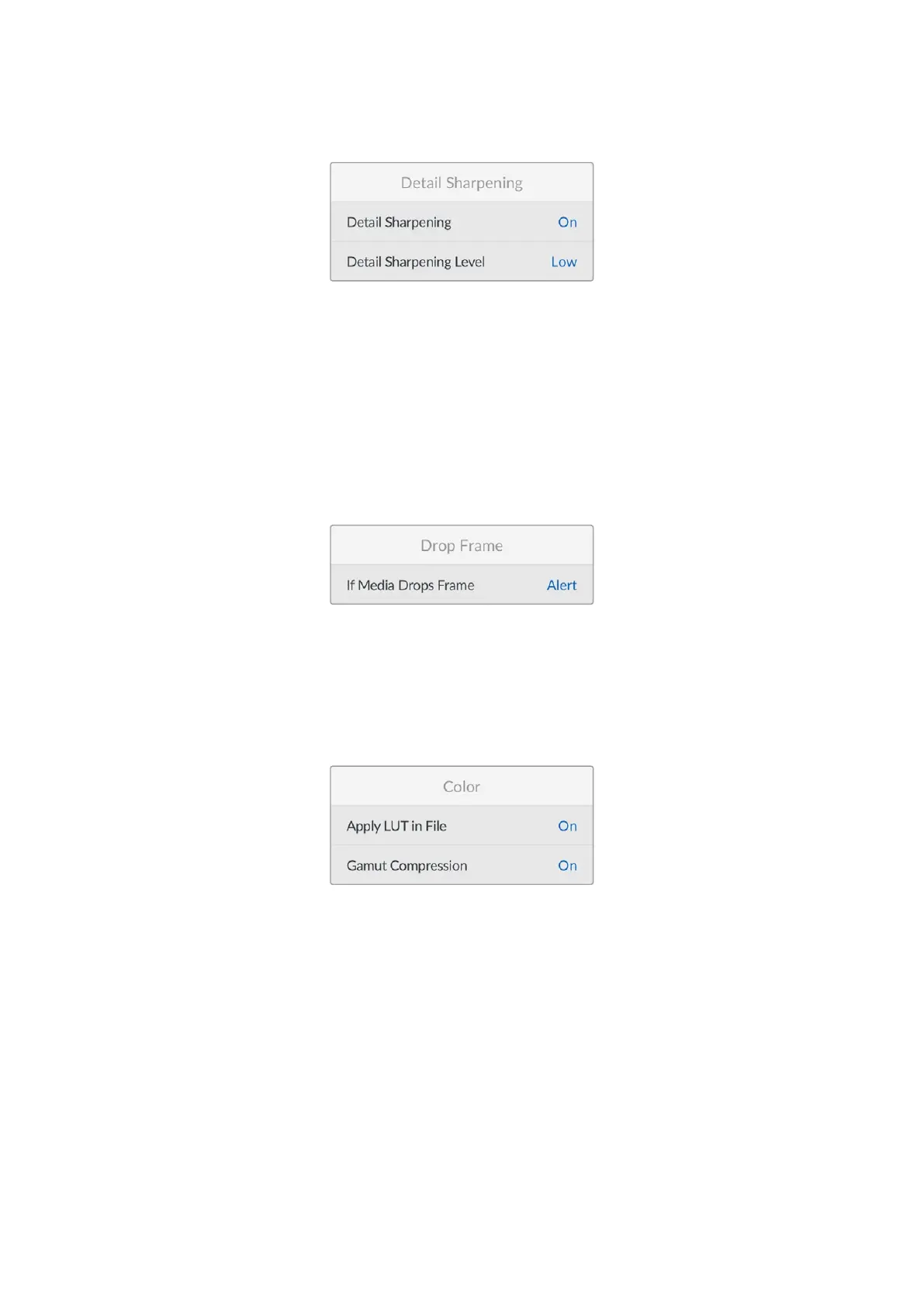
Detail Sharpening
Detail Sharpening
This setting enables the detail sharpening feature.
Detail Sharpening Level
Use this setting to sharpen the image. When sharpening is enabled, decrease or increase the
level of sharpening by selecting ‘low’, ‘medium’ or ‘high’.
When enabled, sharpening will be applied to the HDMI and SDI outputs, but will not be
recorded via USB-C. This is because you will have more options and greater control over your
image using the sharpening tools in DaVinci Resolve.
Drop Frame
If Media Drops Frame
Use this setting to configure the behavior of your camera when dropped frames are detected.
When set to ‘alert,’ recording continues with dropped frames. When set to ‘stop recording,’ your
camera stops recording if dropped frames are detected. This can prevent you wasting time
shooting unusable footage if you don’t notice the dropped frame indicator.
Color
Apply LUT in File
When the ‘apply LUT in file’ setting is set to ‘on’ your Blackmagic Micro Studio Camera 4K G2
will embed a LUT into the Blackmagic RAW file you are recording. The LUT is saved into the
header of the file and can easily be applied to the clip in post production without needing
to handle a separate file. The clip will open in Blackmagic RAW Player and DaVinci Resolve
with the LUT applied. The LUT can easily be toggled ‘on’ or ‘off’ but will always travel with the
Blackmagic RAW file as it is written into the clip itself.
DaVinci Resolve also has an ‘apply LUT’ checkbox in the RAW settings palette for enabling or
disabling the 3D LUT in the Blackmagic RAW file. The ‘Apply LUT’ setting in DaVinci Resolve is
the same setting as in the camera. This means that when shooting you can direct the colorist
to use the LUT by setting it in the camera, but they can switch it off easily in DaVinci Resolve by
deselecting the ‘apply LUT’ checkbox.
42Settings


 To Next Page
 Loading...
