REST API also uses HTTP and this means enabling access to media via the web media manager
also enables camera control via REST API.
Allow Utility Administration
Blackmagic Camera Setup can be accessed when your camera is connected via thenetwork or
via USB. To prevent users having access via the network, select ‘via USB’.
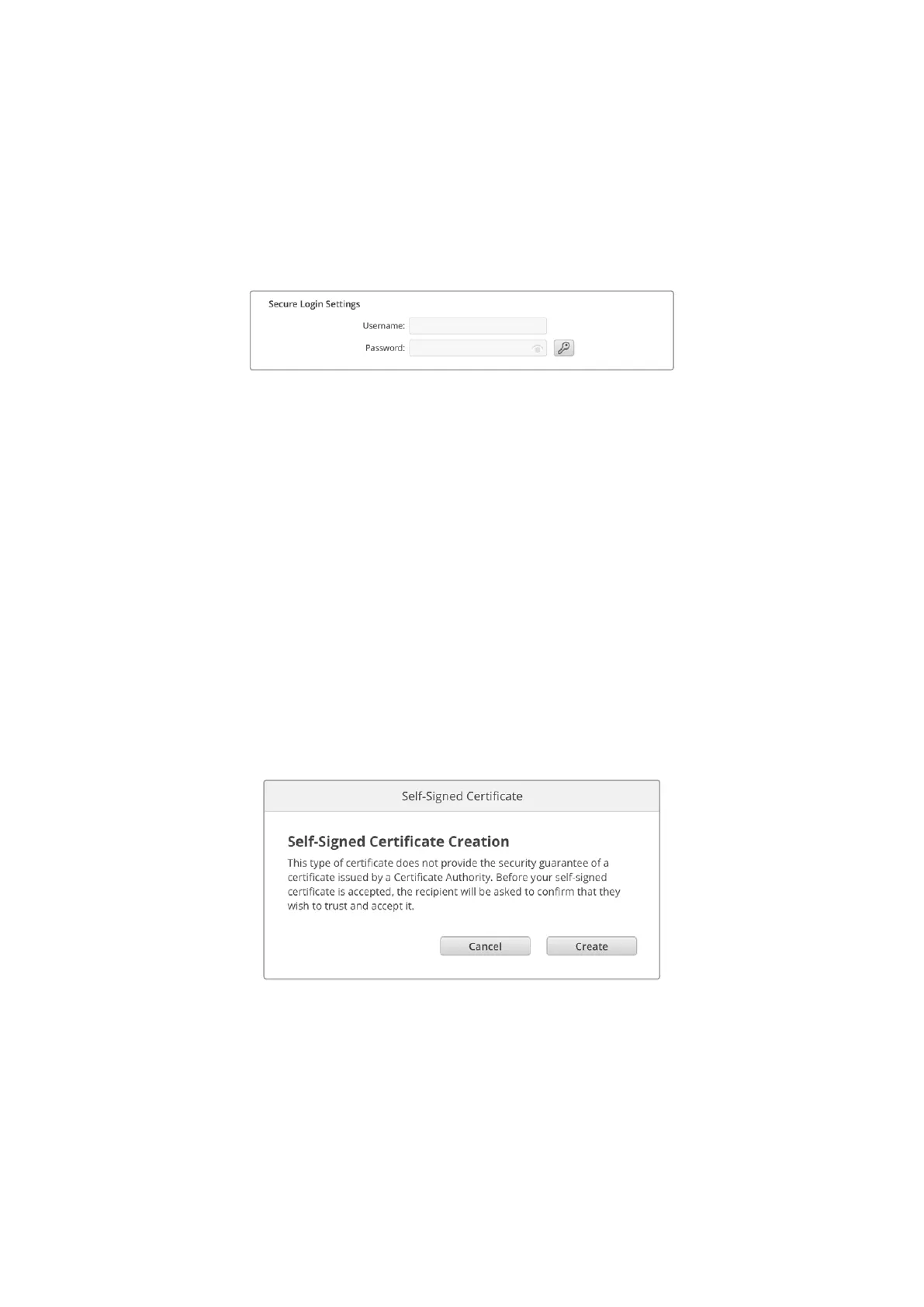
Secure Login Settings
If you have selected ‘enabled with security’ for web media manager access you will need
to enter a username and password. Type a username and password and click ‘save’.
Thepassword field will appear empty once a password is entered. Once a username and
password is set, you will need to enter it when accessing the web media manager.
Secure Certificate
To enable web media manager access via HTTPS, you will require a secure certificate.
This digital certificate acts as an identification card for your camera so that any incoming
connections can confirm they are connecting to the correct unit. Along with confirming
the identity of the unit, using a secure certificate ensures data transmitted between your
camera and a computer or server will be encrypted. When using the secure login settings the
connection will not only be encrypted but require authentication for access.
There are two certificate types you can use with your camera. A secure certificate signed by a
certificate authority, or a self signed certificate. A self signed certificate may be secure enough
for some user workflows, for instance only accessing the camera via a local network.
To generate a self signed certificate click on ‘create certificate’. You will be prompted to
confirm you understand the risks with using a self signed certificate. Once you click on ‘create’,
the certificate details will autofill the ‘domain’, ‘issuer’ and ‘valid until’ fields in the Camera
Setup utility.
Following a factory reset any current certificate will be deleted, but you can also remove it at
any time by clicking on the ‘remove’ button and following the prompts.
When using a self signed certificate to access media files using HTTPS, your web browser
will alert you to the risks of accessing the site. Some browsers will allow you to proceed once
you confirm you understand the risks, however other web browsers may prevent you from
proceeding at all.
78Blackmagic Camera Setup


 To Next Page
 Loading...
