Setting the ATEM Camera ID
The ATEM camera ID is a setting in your camera’s menu settings that determines which SDI
input your camera is connected to on the ATEM switcher. When the camera ID corresponds to
the switcher’s input number, your camera will detect tally data for that input and the tally light
will work correctly on your camera.
For more information on changing the ATEM camera ID, refer to the ‘setup menu’ section later in
this manual.
Connecting via HDMI
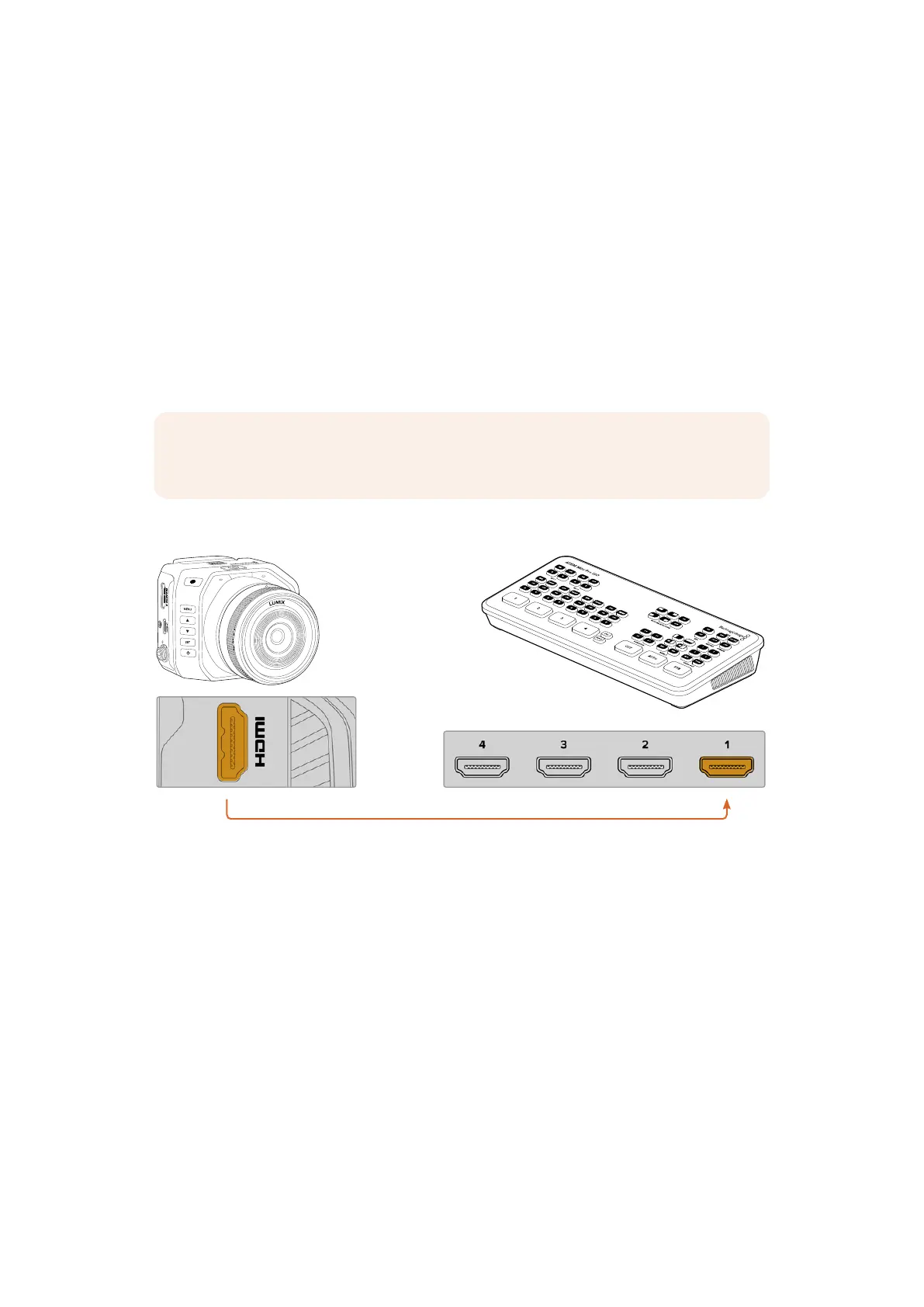
Plug your Blackmagic Micro Studio Camera 4K G2’s HDMI output into the corresponding
HDMI input on the ATEM switcher, such as ATEM Mini Pro ISO. We recommend matching your
cameras with their corresponding input number. For example, camera 1 to input 1 and camera 2
to input 2.
NOTE When connecting via HDMI to an ATEM Mini switcher, your camera’s ATEM
camera ID is set automatically.
ATEM Mini Pro ISOBlackmagic
Micro Studio Camera 4K G2
When connected via HDMI, all tally and camera control data is sent back to your camera using
the same HDMI cable.
9Getting Started


 To Next Page
 Loading...
