M710 User Manual 13
Setup
Installing the Windows Driver (Optional)
Desktop
Brady Workstation software provides a variety of apps to simplify label creation for specific purposes. It
also provides easy-to-use apps for custom label design.
To get Brady Workstation software:
1. Make sure your computer is connected to the Internet.
2. Go to www.workstation.bradyid.com.
3. Follow the instructions on the screen to choose the right software for your purpose and
download it.
Installing the Windows Driver (Optional)
If you are using the Brady Express Labels app or Brady Workstation software, you do not need to
install the windows driver. Skip to “Connecting the Printer” on page 13.
If you are using older Brady software or third-party software, you must install the Windows driver. See
the Driver Installation Guide PDF file on the USB flash drive that came with the printer.
Connecting the Printer
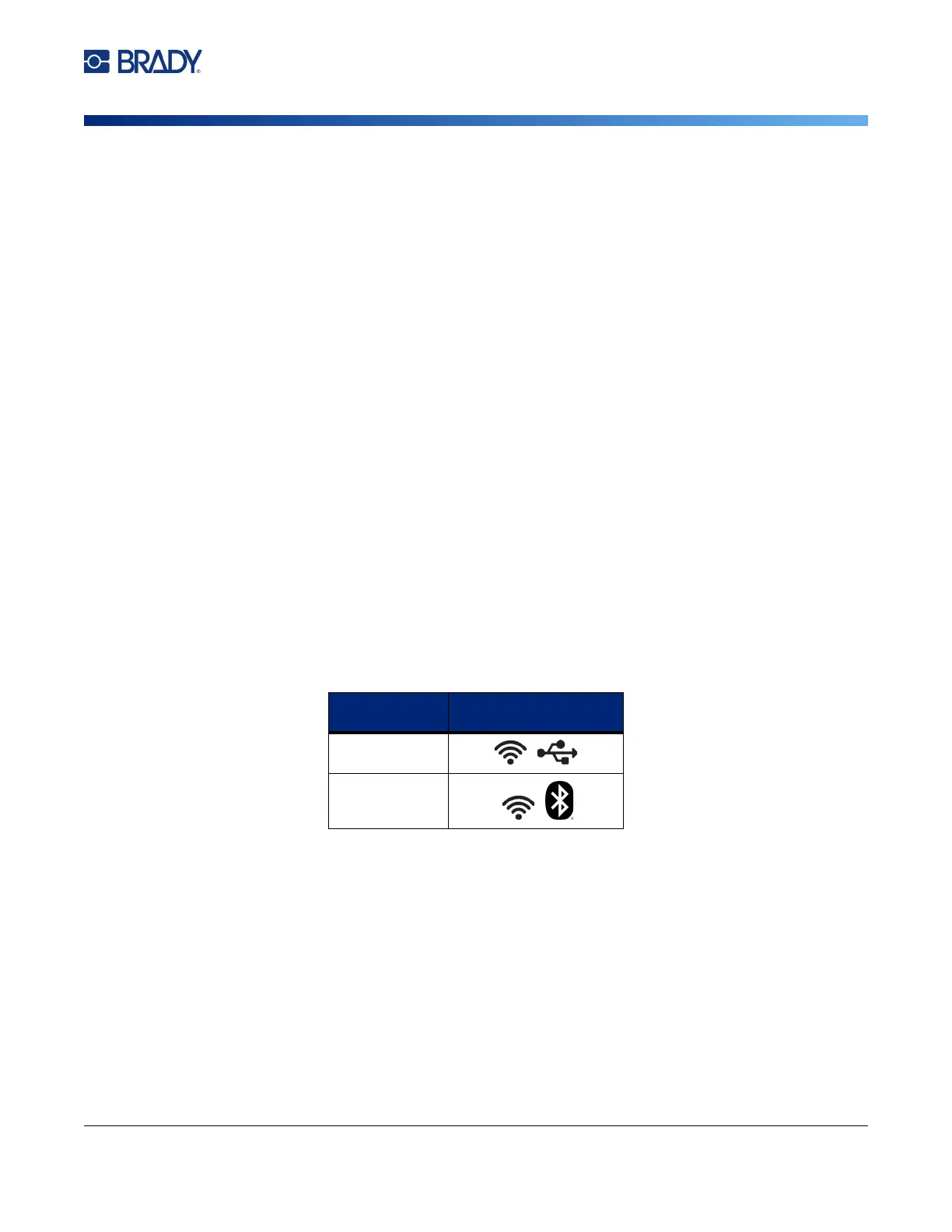
Connect to the labeling software using a USB cable or, if you have the wireless printer model, with
Bluetooth® wireless technology or a Wi-Fi® wireless network.
Bluetooth
This capability is only available on the wireless printer model.
Supported
Connections
Computer
Mobile Device



 To Next Page