M710 User Manual 88
Maintenance
Cleaning the Printer
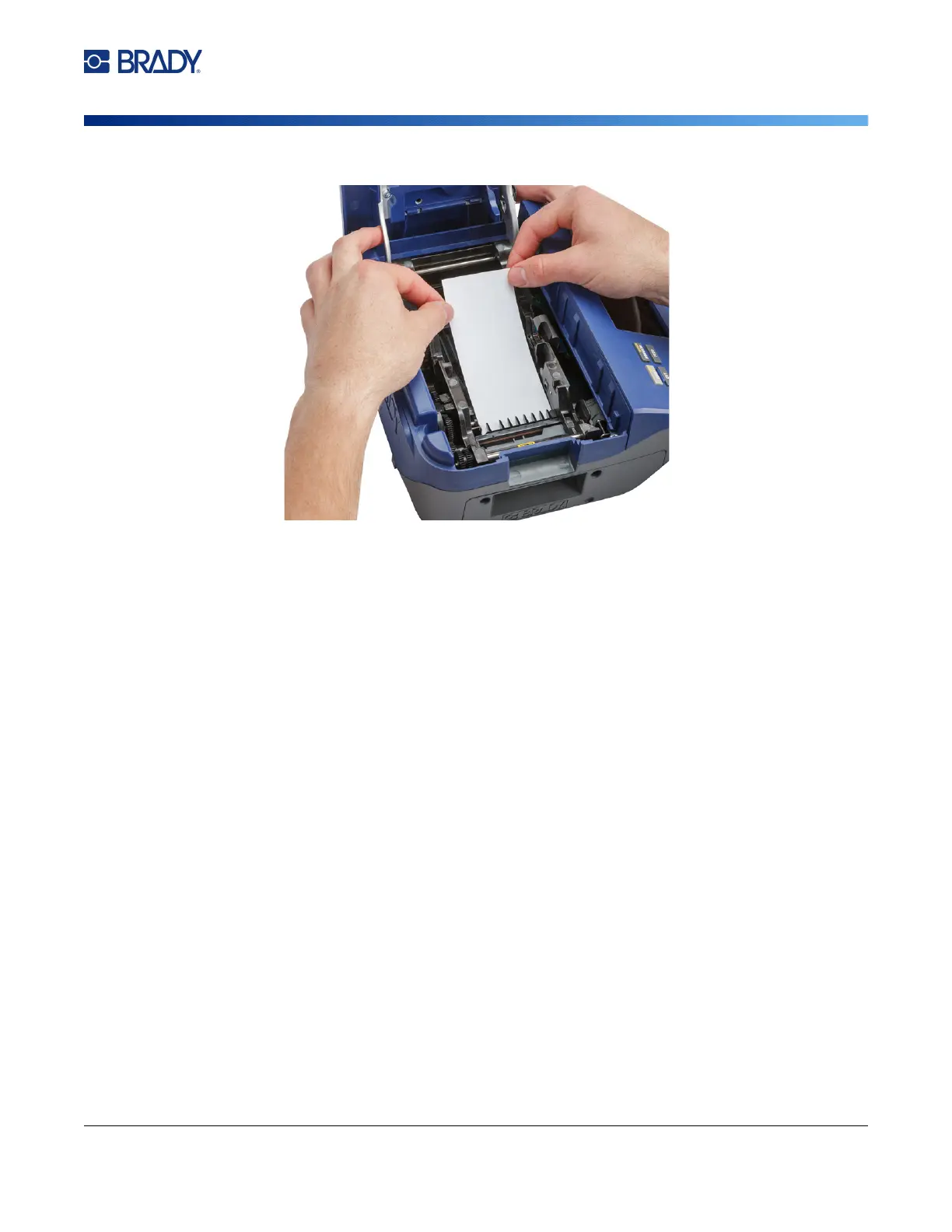
of the card up to the black line under the ribs.
8. Close the printer cover, ensuring that it latches.
9. Tap Continue to initiate the cleaning routine.
IMPORTANT! Allow 15 seconds for the printhead, platen roller, and label path to dry before
reloading labels and the ribbon cartridge.
Cleaning the Sensors
Dirty label sensors can result in errors because the printer cannot detect the labels or the position of
the labels.
To clean the sensors:
1. Pull up on the cover latch and open the print compartment cover.
2. Remove the ribbon cartridge and label roll. See “Loading Supplies” on page 16.



 To Next Page