M710 User Manual 19
Setup
Loading Supplies
Loading Ribbon
Use only authentic Brady M710 ribbon cartridges. Ribbon can be loaded with the power on or off.
To load ribbon:
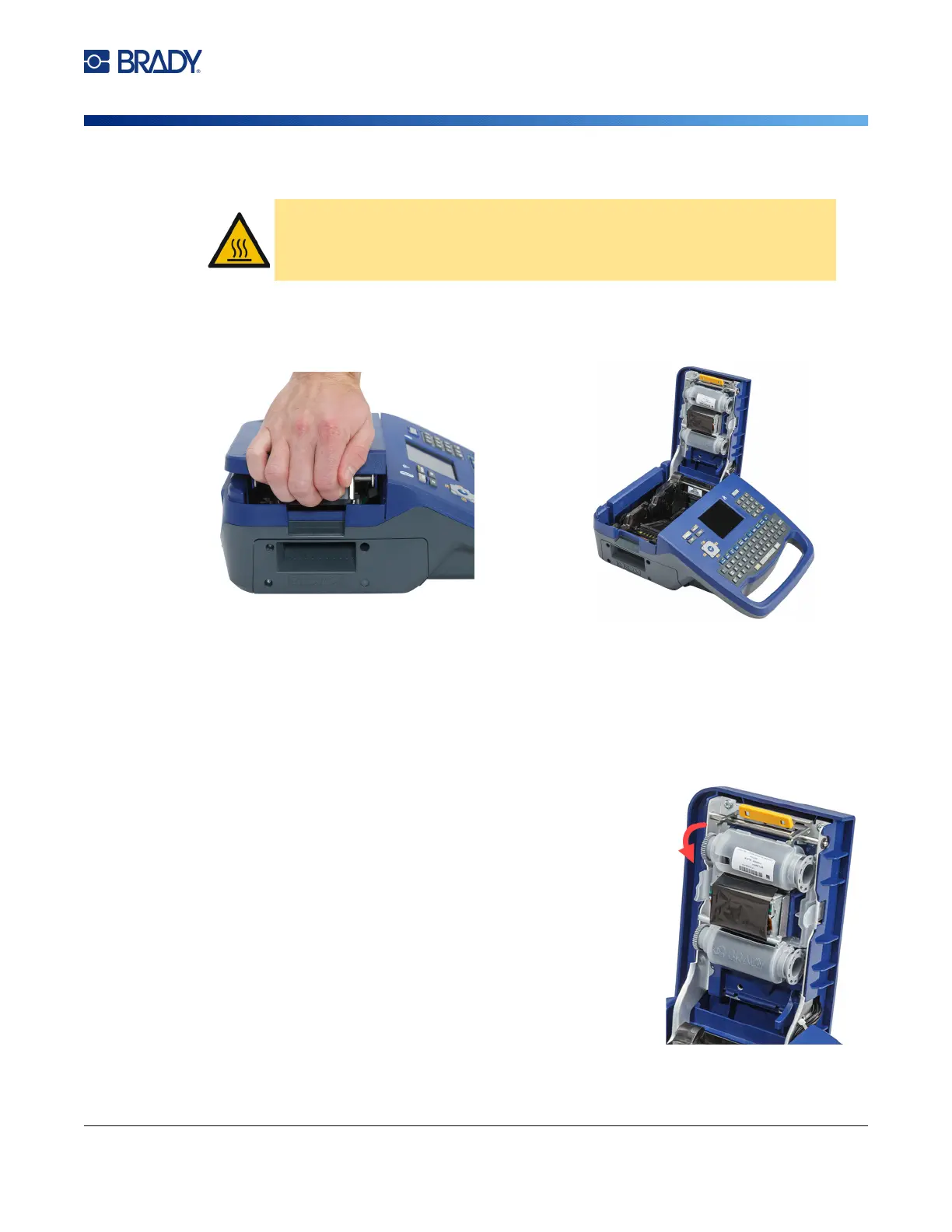
1. Pull up on the cover latch and open the cover.
2. Remove the existing ribbon cartridge, if installed. Grasp the finger tabs on either side of the
cartridge and pull the cartridge out of the ribbon compartment.
If the ribbon is spent, recycle the ribbon cartridge according to local regulations. The ribbon
gauge at the bottom of the touchscreen indicates how much ribbon remains. See “Using the
Touchscreen” on page 25.
Store any unused ribbon in a cool, dry place. Unused ribbon will last up to six months before
deterioration sets in
3. With the cartridge label facing up, grasp the finger tabs on
either side of the cartridge and place it so that the ribbon is
over the printhead. Push slightly to snap into place. Then,
close the cover until it latches.
Note: If reusing a ribbon cartridge, turn the top spool of the ribbon
counterclockwise (down) to clear the printhead area of used
ribbon.
The color of the ribbon displays in the color of the text entered on the
editing screen. The amount of ribbon remaining in the cartridge
registers in the gauge in the lower right of the status bar.
The printer displays a message if no ribbon is installed. You do not
have to install a ribbon to create a label. However, if no ribbon is
installed the system defaults to the last known ribbon color used.
CAUTION! Hot part: Be careful when changing the ribbon cartridge because
the printhead may be hot.



 To Next Page