M710 User Manual 33
General Operation
Using the Keyboard
Print-Related Keys
This is the group of four keys to the left of the touchscreen, above the navigation keys.
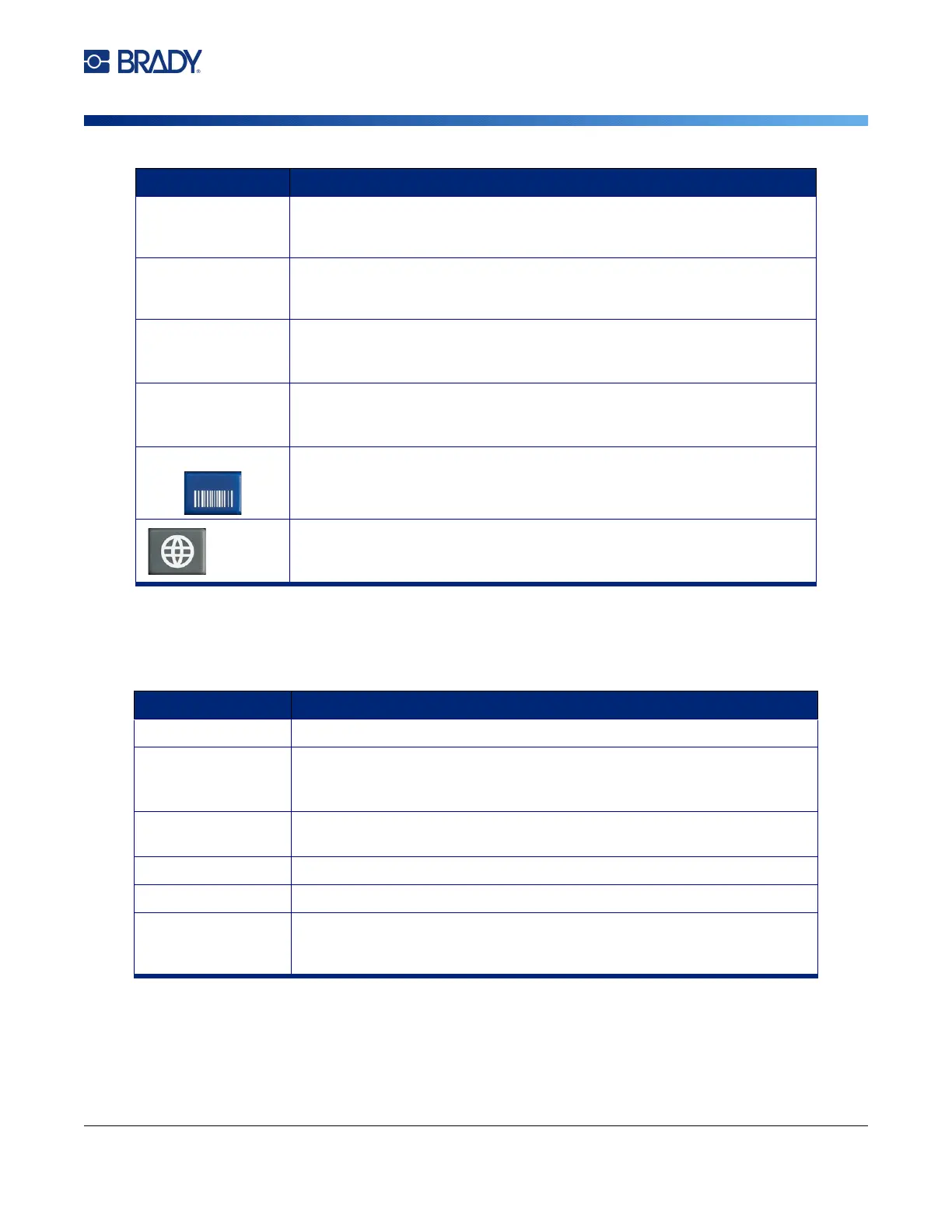
SYMBOL Accesses the various symbols (graphics) provided with the printer. See
“Labels and Areas” on page 43.
FN + GRAPHICS Accesses user-supplied graphics loaded onto the printer. See “Graphics”
on page 50.
SERIAL Adds sequential data to your labels, that is, data that increments (or
decrements) from one label to the next. See “Serialization (Sequential
Data)” on page 54.
LIST Enables you to produce multiple labels with variable information from a
single, formatted label (main document) and a structured data source.
See “List (Importing Data)” on page 57.
Barcode Inserts a barcode on the label. See “Barcode” on page 52.
(Only on printers purchased in Asia.) Opens the IME editor for entering
Chinese Simplified, Chinese Traditional, Japanese, or Korean characters.
See Appendix B “Using IME for Asian Text” on page 108.
Key Description
PRINT Prints all labels in a label file.
FN + MULTI Brings up options to set various print parameters (such as, number of
copies, print range, and mirror print) before printing. See “Multiple Print”
on page 36.
PREVIEW Previews all labels in a file as they will look when printed. See “Preview”
on page 35.
FN + HISTORY Displays a list of recently used files. See “History” on page 37.
CUT Cuts the label supply.
FEED Feeds the labels through the printer to the next notch on the liner. Feeds a
full label for pre-sized label supplies; feeds 0.5-inch (12.7 mm) for
continuous label supplies.
Key Description



 To Next Page