M710 User Manual 64
Label Types
Flags
Flags
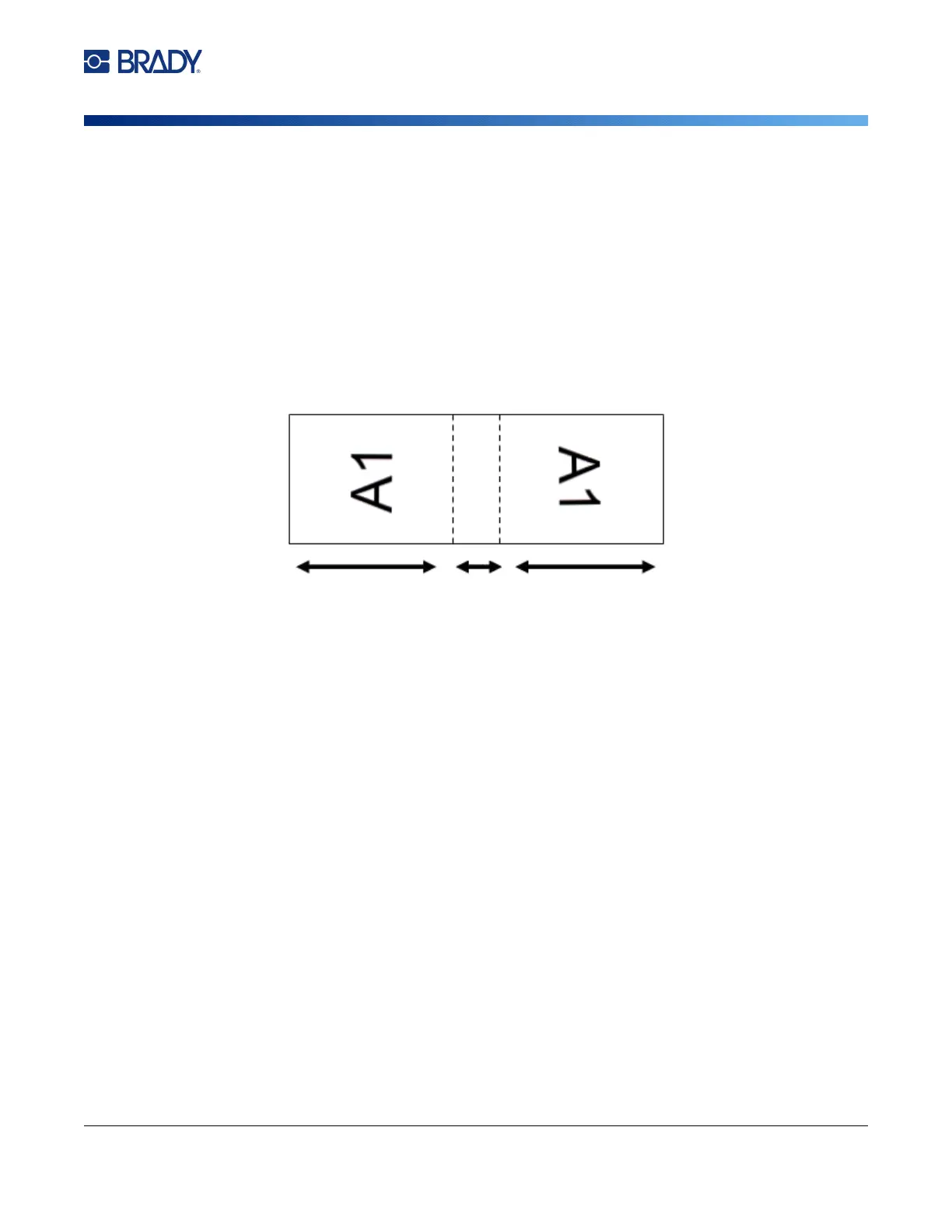
A flag label wraps around a wire or cable, with the ends joined together to form a flag. The flag label
type is designed to work with continuous label supply or specific multi-area pre-sized labels.
To create a flag label:
1. Press LABEL TYPE.
2. Select Flags. The printer displays the settings screen for flags.
3. Select the desired layout.
4. If continuous label supply is installed, in the Flag Length field, enter the length of the flag (the
part that contains the text).
5. In the Cable Diameter field, enter the diameter of the wire or cable to which the flag will be
applied.
The range for the cable diameter is 0.25 inches to 8 inches. By entering the diameter of the
wire or cable, the system automatically calculates an additional length of label to allow
complete wrap of the wire or cable with additional label material left for the flag.
Flag
Length
Flag
Length
Cable
Diameter
(wraps
around
cable)



 To Next Page