M710 User Manual 22
Setup
Using the Label Roll Adapter
4. Keeping the label supply in the box, place the box behind the printer. Attach the label feed
ramp to the edge of the bulk box.
5. Attach the ramp hooks to the outside of the bulk label feed path on the printer.
6. Feed the leading edge of the labels over the ramp, into the printer, and under the label core.
Insert the leading edge of the labels up to the black line under the ribs, making sure that the
label material covers the sensors and that the edge of the label supply roughly aligns with the
side of the label well. See Figure 2-1 and Figure 2-2 on page 18.
7. Turn the printer on and press FEED to feed the label supply through the printer.
8. Close the cover.
IMPORTANT! Be sure to store the core with any remaining unused labels when you are done
printing. The printer uses the smart cell on the core to track how many labels are
remaining. Always use the core that came with the labels otherwise the printer may
present an out of labels error message.
Using the Label Roll Adapter
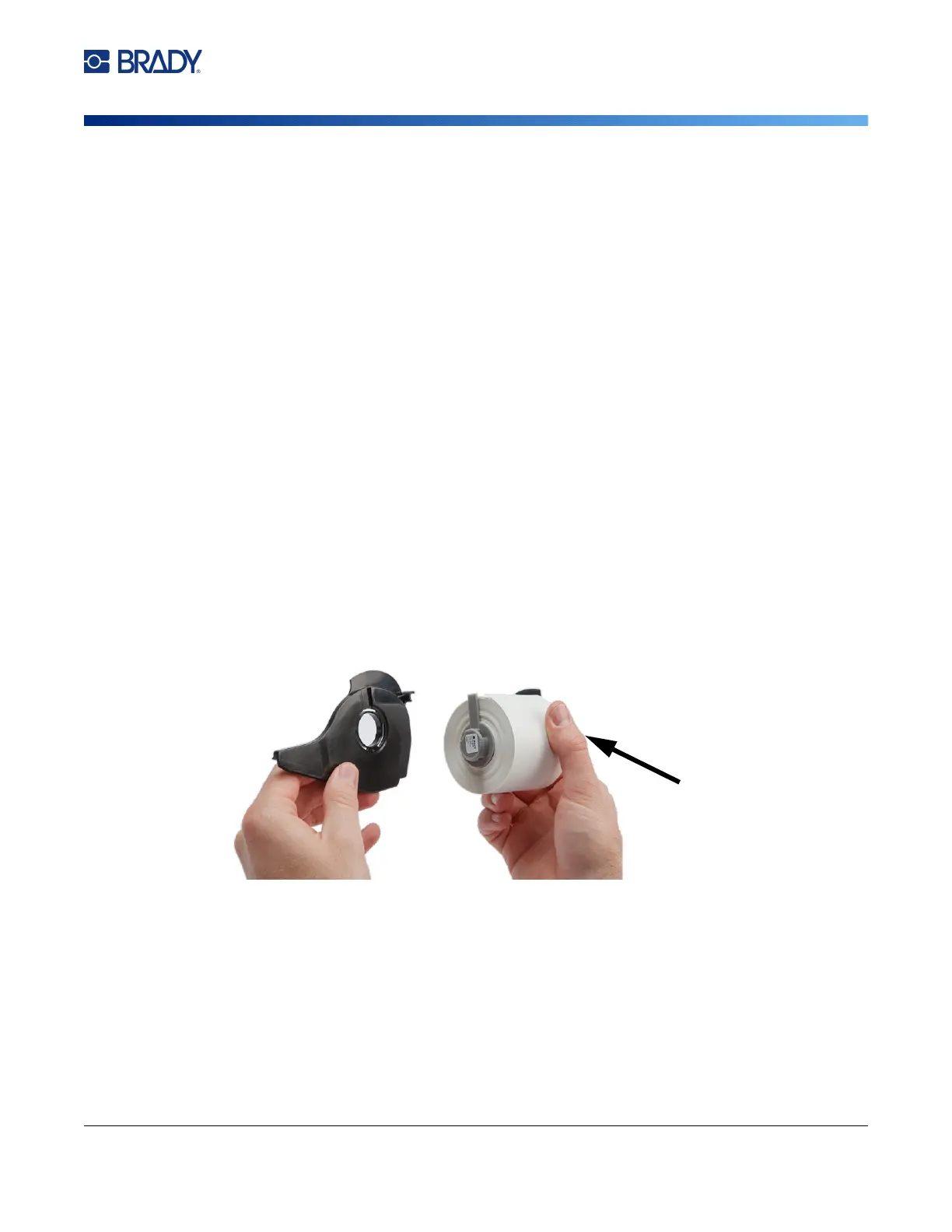
In order to use M610 labels in the M710 printer, you must attach the M610 Label Roll Adapter (M71-
ADAPT-BK). The adapter is included with the M710 printer and can also be purchased separately.
To use the M610 label roll adapter:
1. With the pointed end of the guide facing in the direction that the labels come off the bottom of
the core, position the hole of the adapter over the end of the core, opposite the smart cell.



 To Next Page