M710 User Manual 18
Setup
Loading Supplies
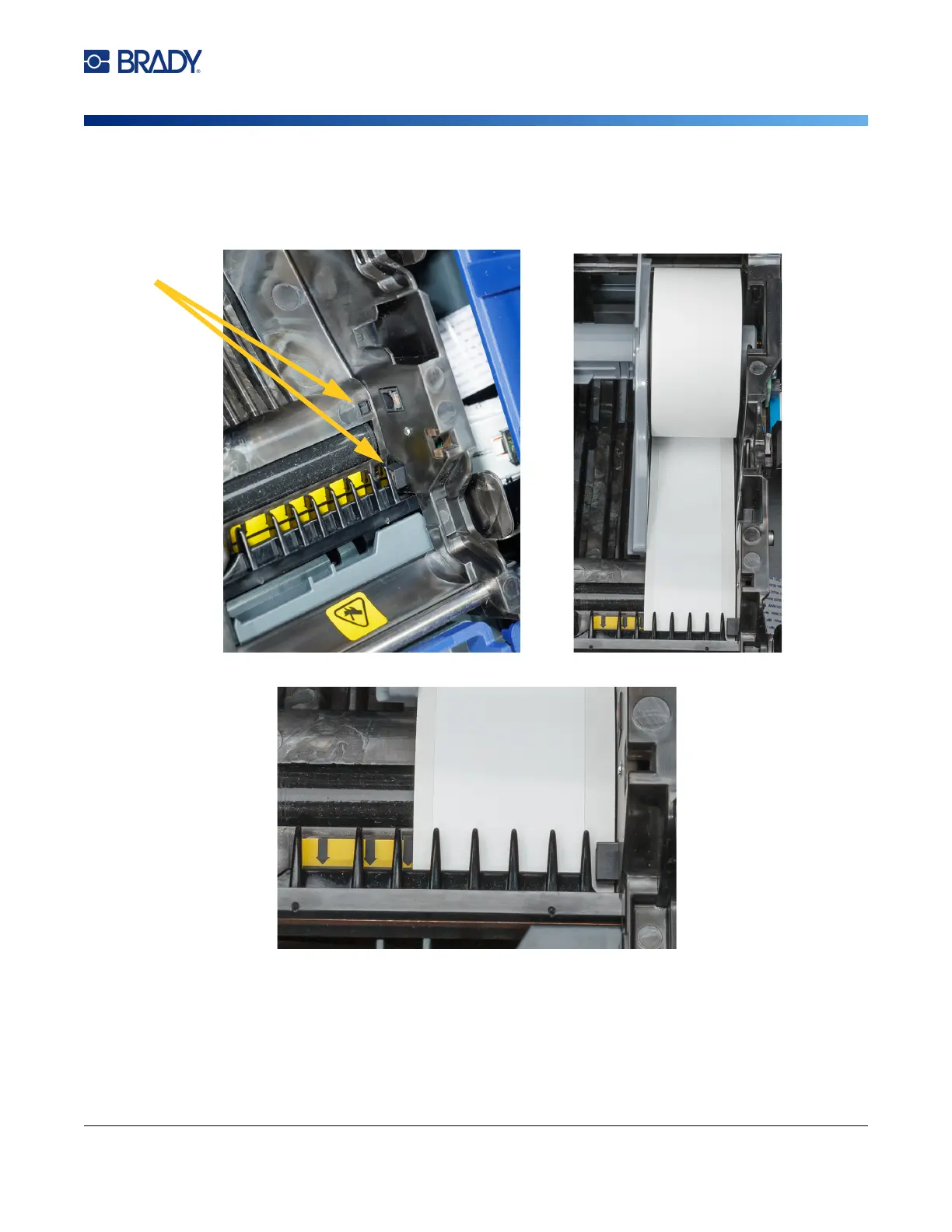
4. Insert the loose label end up to the black line under the ribs, making sure that the label
material covers the sensors and that the edge of the label supply roughly aligns with the side
of the label well.
Figure 2-1. Make sure the sensors are covered.
Figure 2-2. Position of leading edge of label supply.
5. Close the cover until it latches.



 To Next Page