M710 User Manual 17
Setup
Loading Supplies
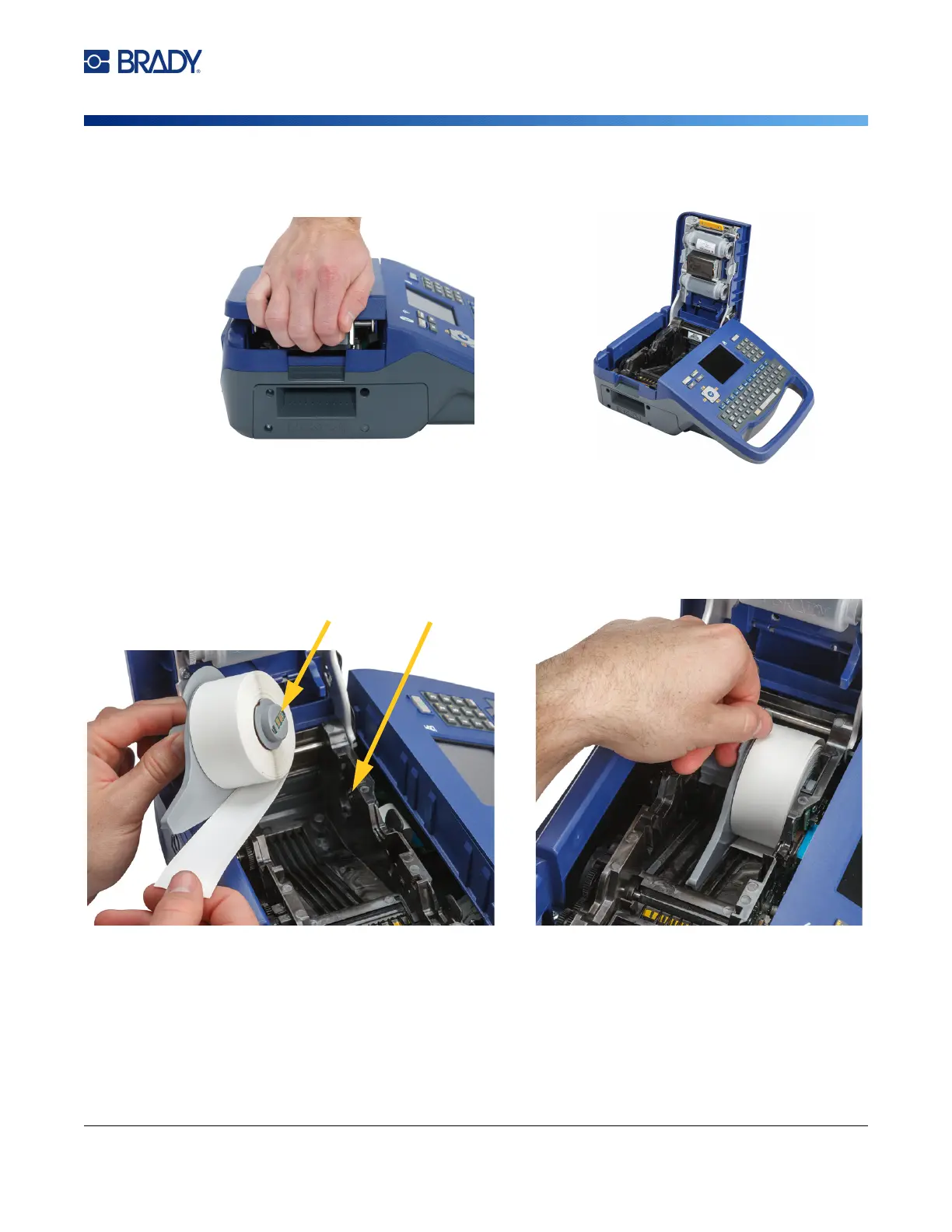
To load labels:
1. Pull up on the cover latch and open the cover.
2. Remove the existing labels, if installed. Grasp the label roll and gently pull up out of the label
well.
Store unused labels in a cool, dry place.
3. Orient the new roll with labels coming off the bottom of the core toward the left-hand side of
the printer. Insert the roll into the label well. Make sure the smart cell on the label roll aligns
with the contacts in the label well.



 To Next Page