M710 User Manual 23
Setup
Using the Label Roll Adapter
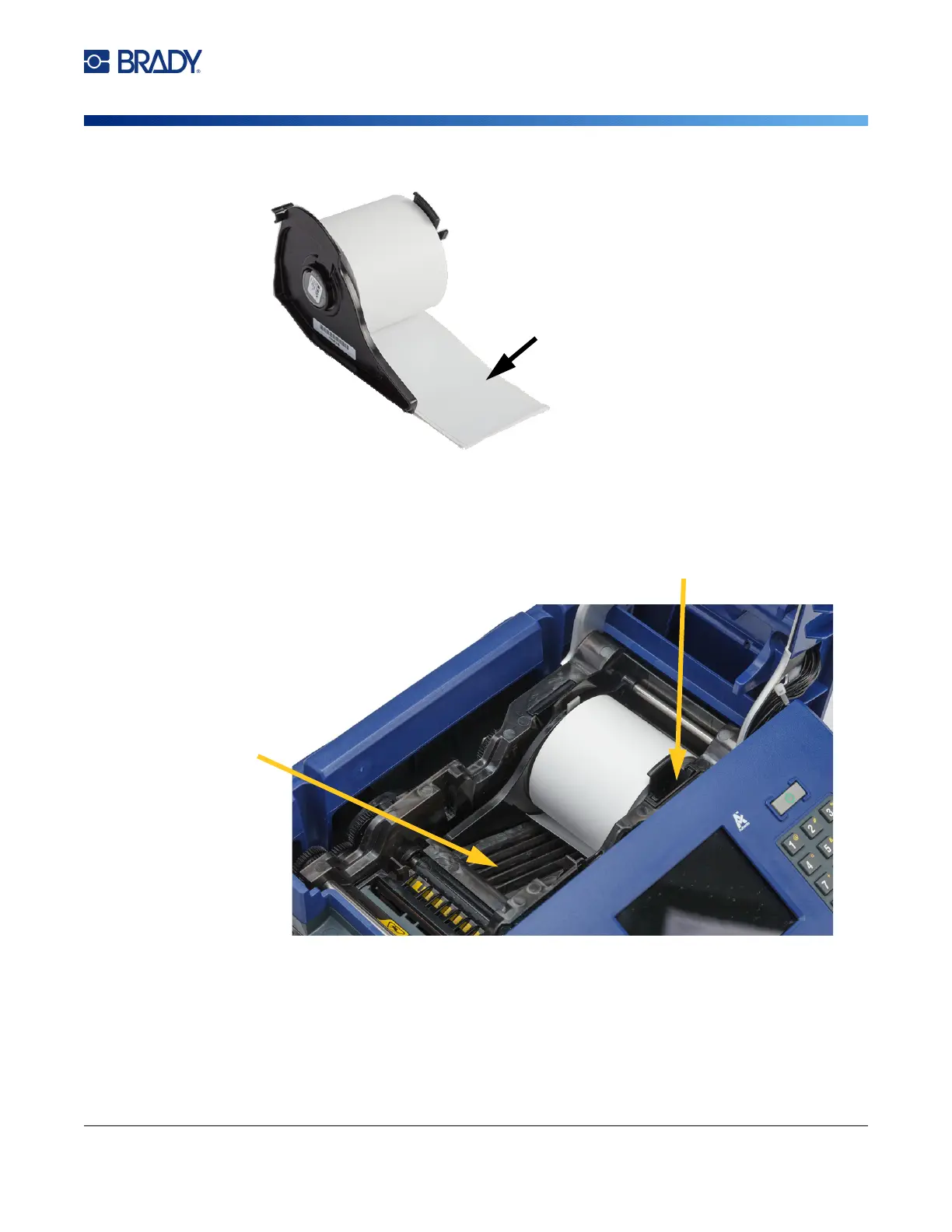
2. Gently push the adapter securely onto the core.
3. Place the M610 label roll, with adapter attached, into the printer the same way you load M710
label material. (See “Loading Labels” on page 16.)
Make sure that the label roll adapter is positioned in the correct slot in order to push the smart
cell up against the contacts.
Labels feed from the
bottom of the core.
slots
contacts (not visible in picture)



 To Next Page