Appendix
220
B
File Name Cannot Be Used
The maximum sequential number for the file name has been reached. Press any button
and then do one of the following:
Delete unused files from the USB flash drive and then try again.
Change the file name by doing one of the following:
•See Change Scan Settings (ControlCenter4) (Windows
®
) on page 67.
•See Change Scan Settings (ControlCenter2) (Macintosh) on page 89.
•See Change Scan to PC Settings (Windows
®
) on page 147.
•See Change Scan to PC Settings (Macintosh) on page 154.
•See Save Scanned Documents on a USB Flash Drive on page 123.
All Blank Page Skipped
All scanned pages were skipped as blank pages. Press any button and then and then do
one of the following:
Place your document, face down, top edge first in the ADF.
Set Blank Page Skip to off by doing one of the following:
•See Change Scan Settings (ControlCenter4) (Windows
®
) on page 67.
•See Change Scan Settings (ControlCenter2) (Macintosh) on page 89.
•See Change Scan to PC Settings (Windows
®
) on page 147.
•See Change Scan to PC Settings (Macintosh) on page 154.
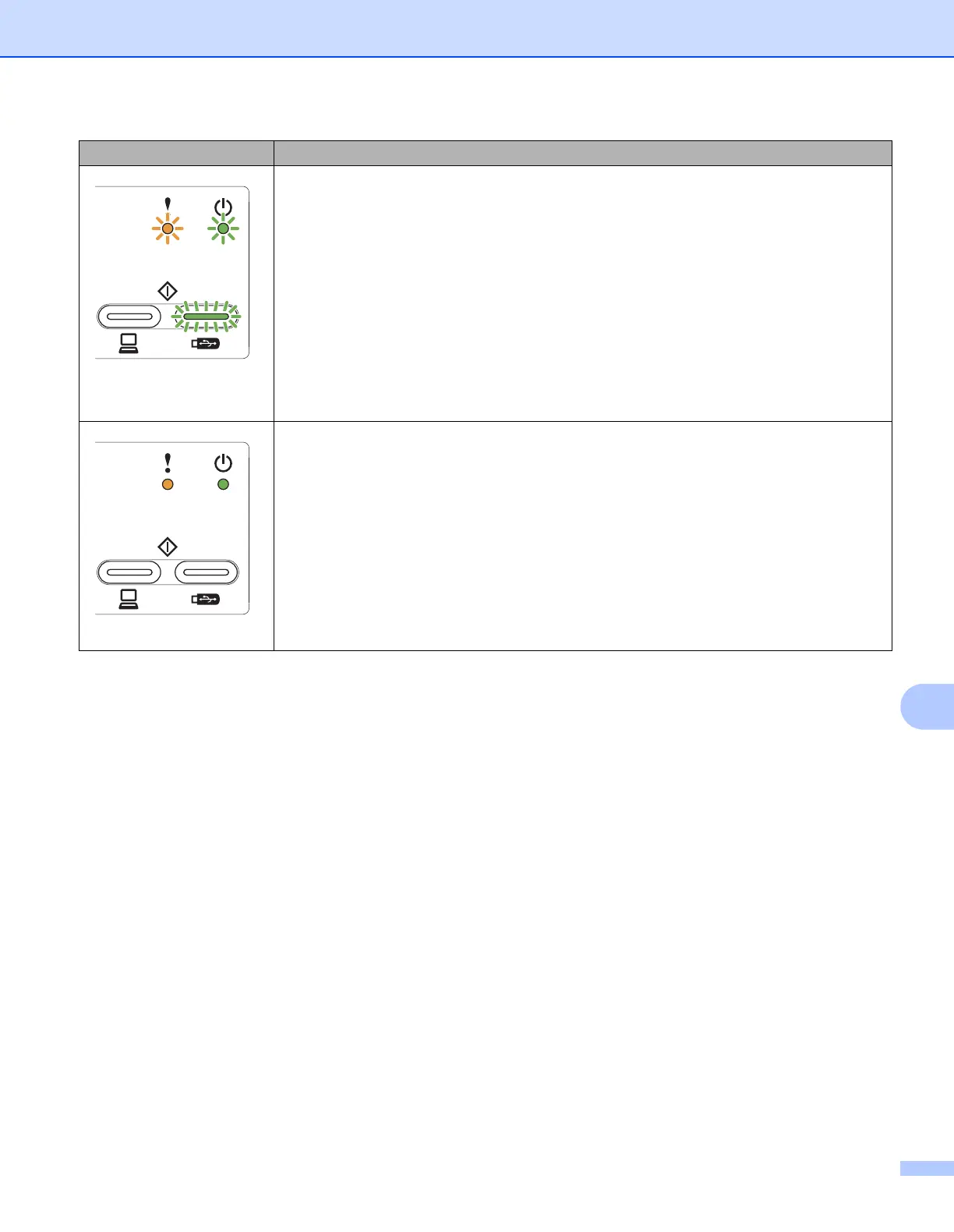
LEDs Machine Status





 To Next Page