Scan Using Your Computer
47
5
6 Save button
Click to save a scanned image to a folder on your hard disk in one of the file types shown in the file type
list.
7 Print button
Click to print the scanned document on your printer.
8 Open with an Application button
Click to scan an image directly into your graphics application for image editing.
9 Send E-mail button
Click to scan a document to your default email application.
10 OCR button
Click to scan a document and convert it to text.
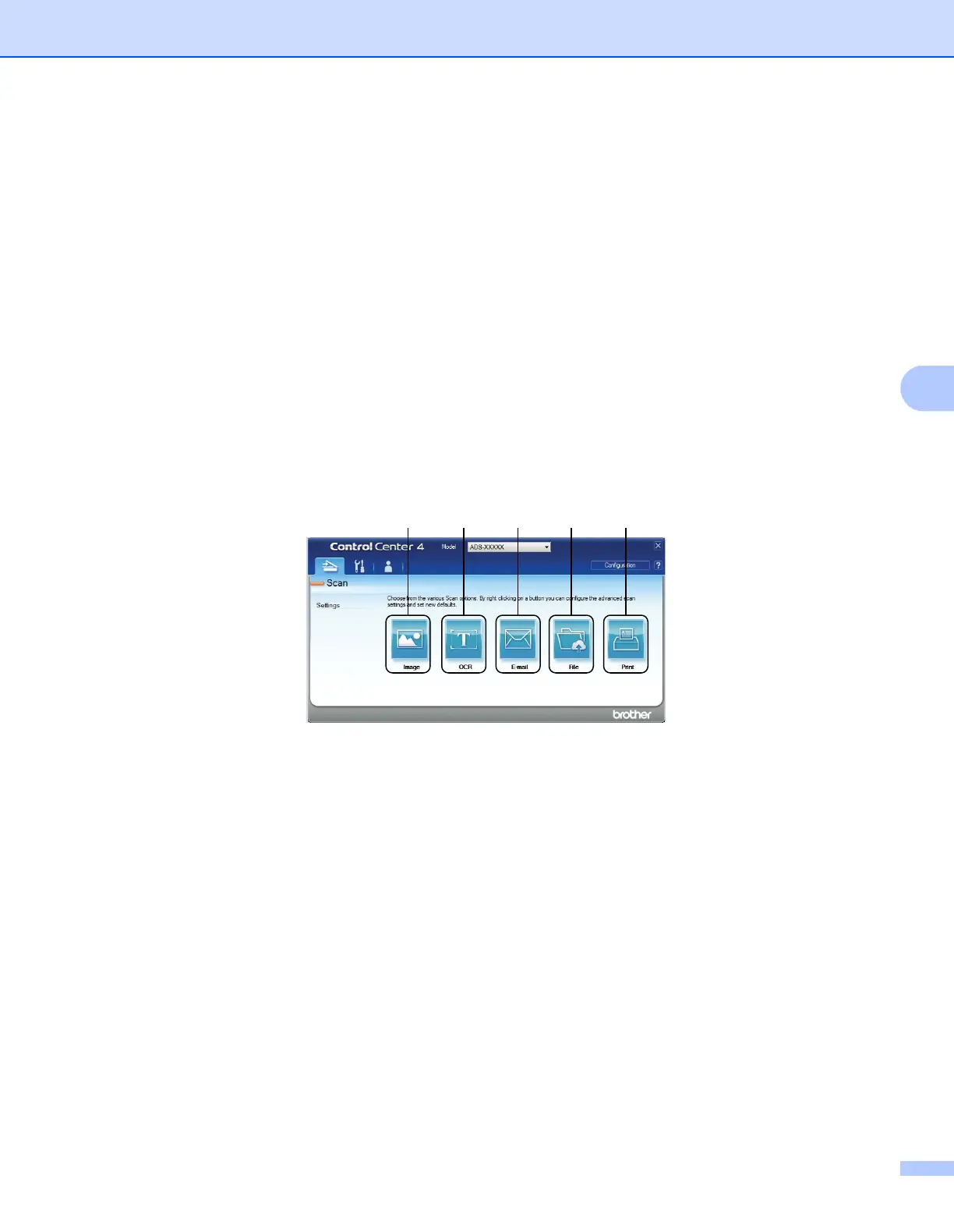
Advanced Mode
Gives you more control over the details of your machine’s functions. You can customize one-button scan
actions to meet your scanning needs.
1 Image button
Click to scan a document directly into any graphic viewer/editor application.
2 OCR button
Click to scan a document and convert it to text.
3 E-mail button
Click to scan a document to your default email application.
4 File button
Click to save a scanned image to a folder on your hard disk in one of the file types shown in the file type
list.
5 Print button
Click to print the scanned document on your printer.
1 2 3 4 5











 To Next Page