Scan Using Your Computer
48
5
To change ControlCenter4’s operation mode:
1 Click the (ControlCenter4) icon in the task tray and then select Open from the menu.
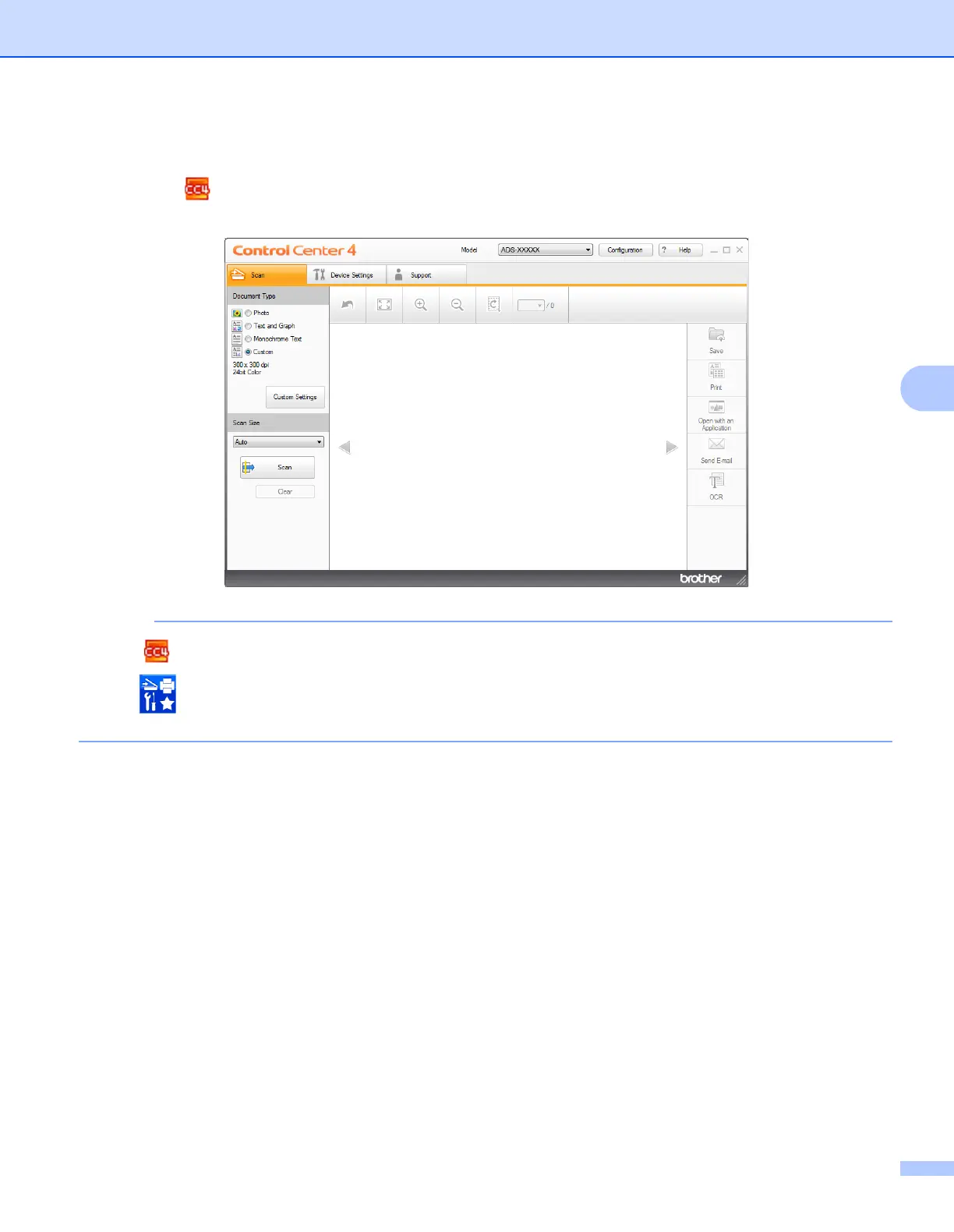
The ControlCenter4 window appears.
If the icon is not displayed in the task tray,
click (Brother Utilities) on your desktop, and then click the drop-down list and select your model
name (if not already selected). Click SCAN in the left navigation bar, and then click ControlCenter4.
2 Click Configuration and then select Mode Select.


 To Next Page
 Loading...








