Printing a Tube or Label Using the P-touch Keyboard
13
2
2 Create Tube
Displays the tube creation screen.
3 Create Label
Displays the label creating screen.
4 Transferred Templates
Retrieves data that was transferred from a computer.
5 Auto Format
Specifies the label format from the preset templates and layouts.
6 File
Retrieves data that is saved in the file memory.
7 Settings
Specifies various settings for the P-touch.
8 Register Programmable Function
Registers, deletes, and renames programs.
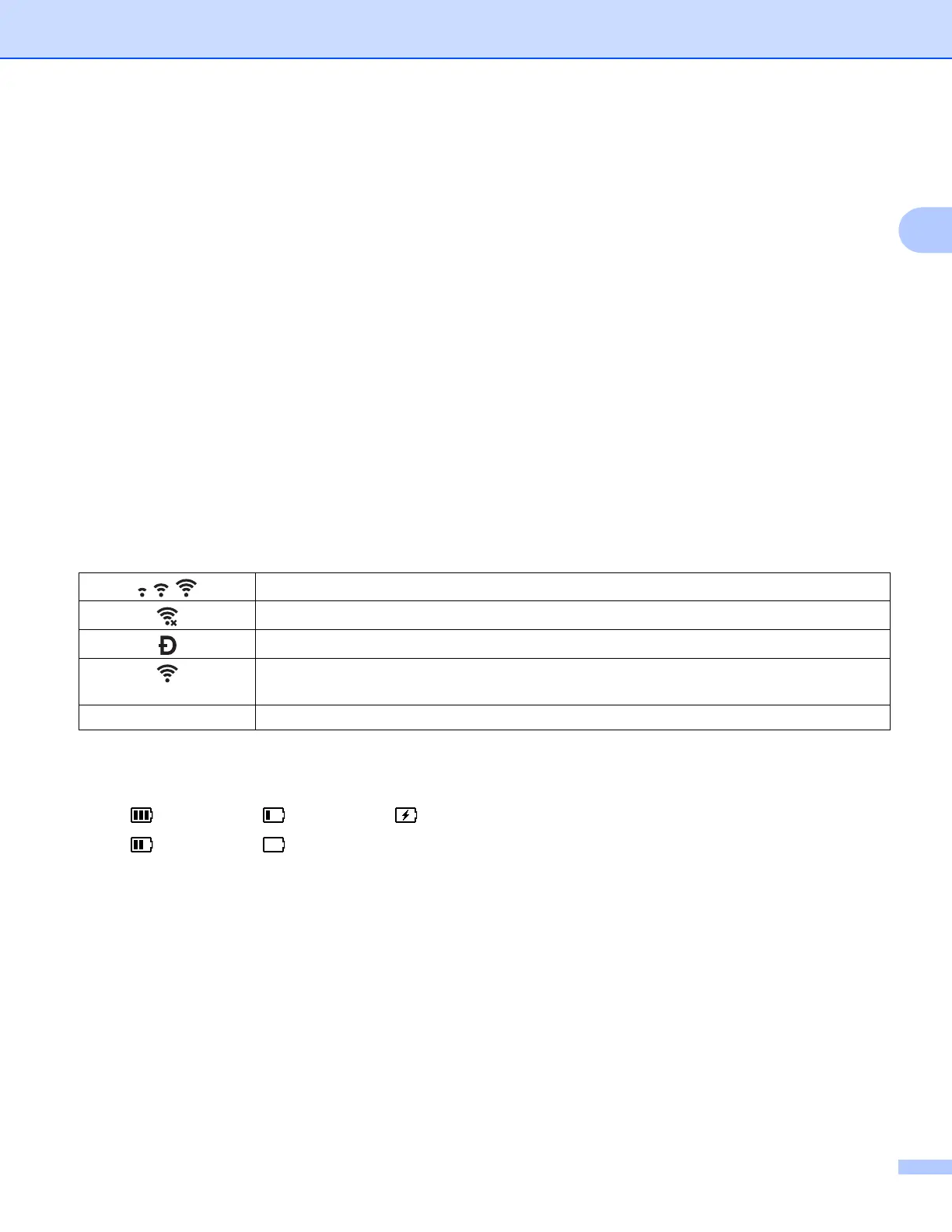
9 Wireless Connection
The left icon indicates the status of the Wi-Fi
®
connection and the right icon indicates the status of the
Wireless Direct connection.
10 Battery Level
Indicates the remaining battery level. It appears only when using the Li-ion battery.
Connected in Wi-Fi mode
Disconnected in Wi-Fi mode
Wireless direct mode ON
(Blinking)
Establishing connection by Setup Wizard
(Off) Wireless connection OFF
- Full - Low - Charging
- Half - Empty


 To Next Page
 Loading...








