Printing a Tube or Label Using the P-touch Keyboard
35
2
Format
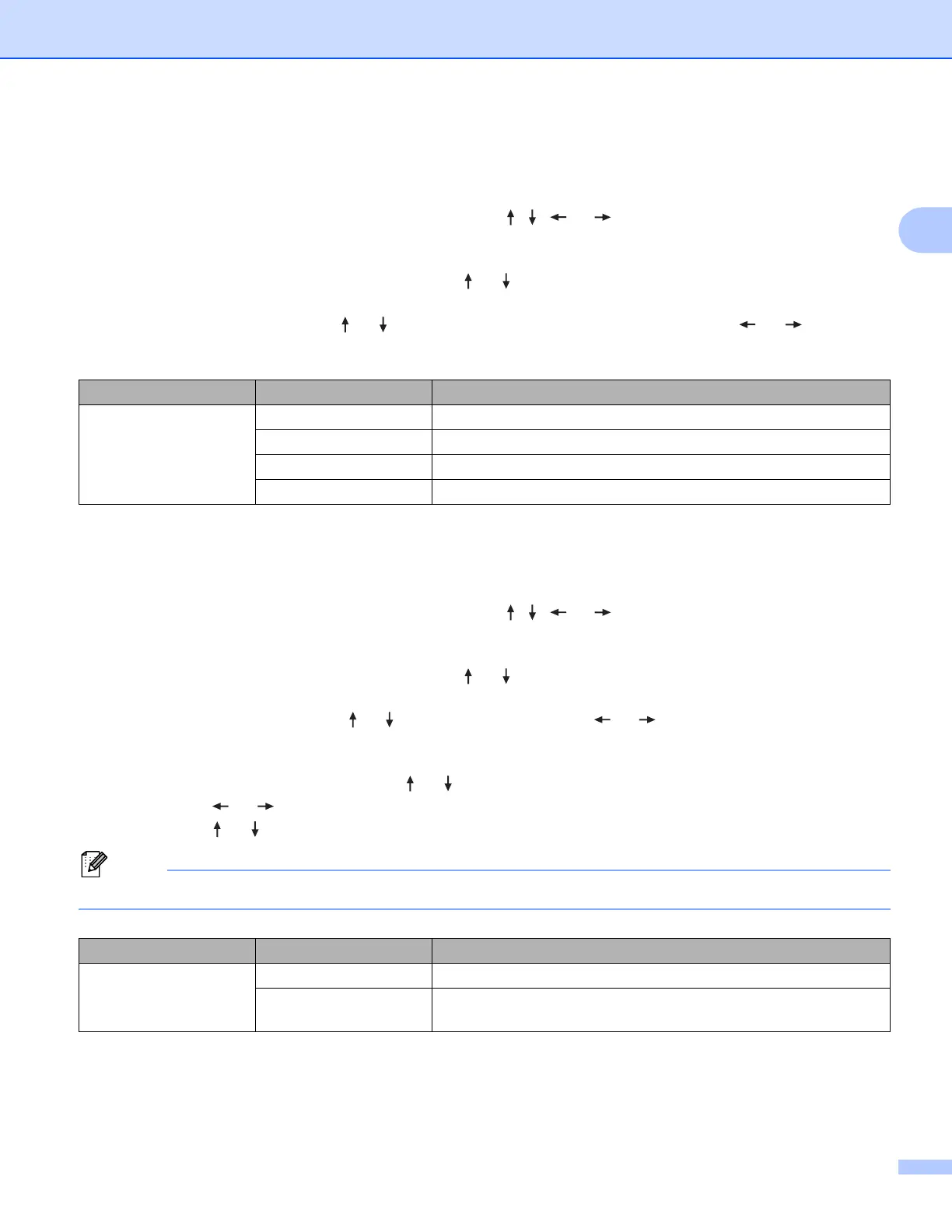
You can select which information to use when adding the date and time to your tube or label.
a Select [Settings] in the Home screen using the , , or key, and then press the OK or Enter
key.
b Select [Time Stamp Setting] using the or key, and then press the OK or Enter key.
c Select [Format] using the or key, select the value for the setting using the or key, and
then press the OK or Enter key to apply the settings.
Forward
You can select whether to use a future date and time, a past date and time, or the current date and time
when [Timing] is set to [Auto].
a Select [Settings] in the Home screen using the , , or key, and then press the OK or Enter
key.
b Select [Time Stamp Setting] using the or key, and then press the OK or Enter key.
c Select [Forward] using the or key, select [On] using the or key, and then press the OK or
Enter key.
d Select [Add] or [Reduce] using the or key, select the year, month, week, date, hour or minute
using the or key, and then set the amount to increase or decrease from the currently set clock
using the or key. After all parameters are set, press the OK or Enter key to apply the settings.
You can also set the date and time by typing in the numbers you want.
Attribute Setting Description
Format Date Prints only the date on the tube or label.
Time Prints only the time on the tube or label.
D&T Prints the date and time on the tube or label.
T&D Prints the time and date on the tube or label.
Attribute Setting Description
Forward Off Prints the current time and date.
On Increases or decreases the date and time according to the value
selected in the [Forward] setting.












 To Next Page