Printing Using the Computer
84
4
• You can use the tube half-cut adjuster of the P-touch to adjust the depth of half cuts to one of three
settings.
• If the tube is jammed or not cut completely, use the (Feed and Cut) button to manually cut the tube
completely. Press and hold the button for 2 to 10 seconds until the (Power) indicator changes from
being lit in green to flashing in green, and then release it. The tube will be cut when the button is released.
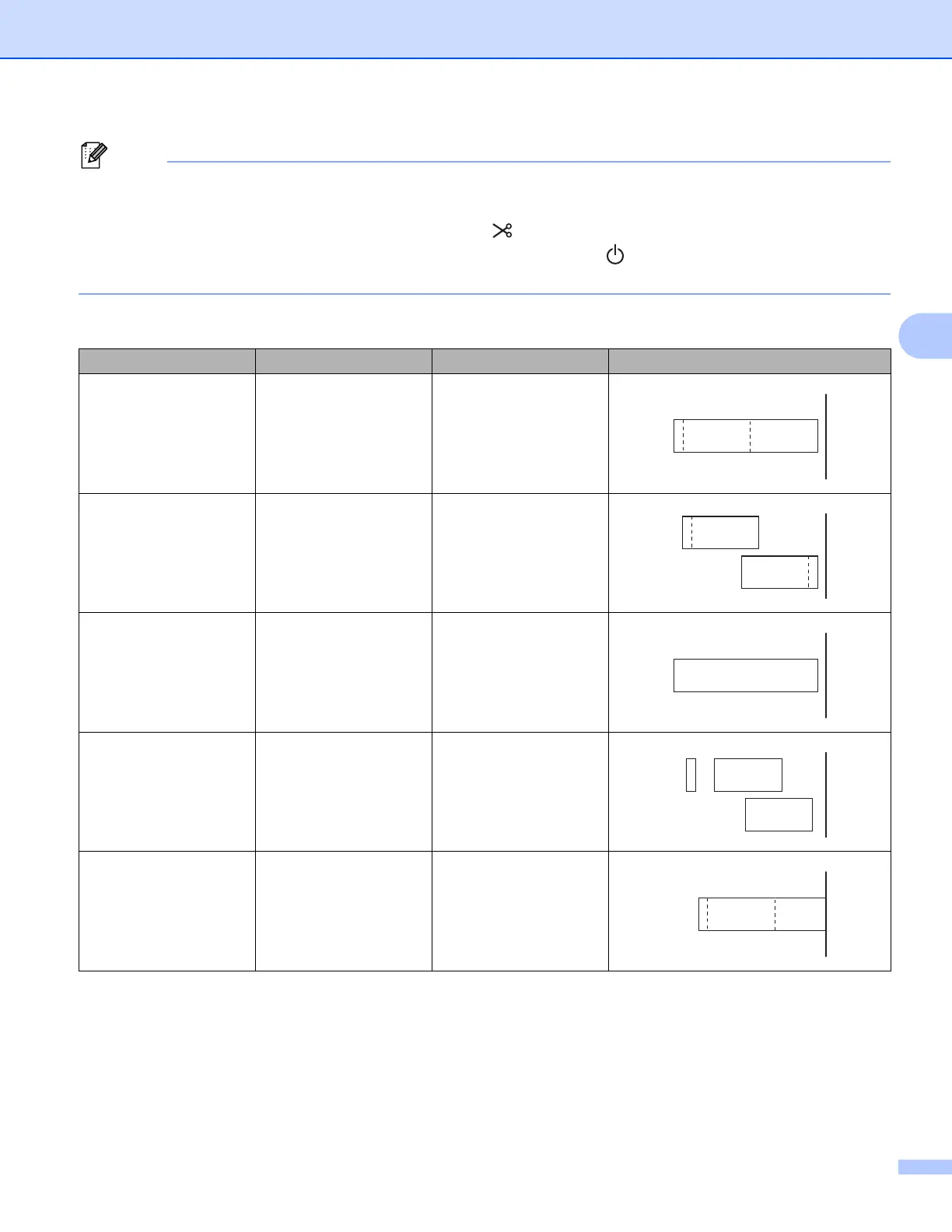
Tape Cut Option Table
Auto Cut Half Cut Chain Printing Image
No Yes No
Yes Yes No
No No No
Yes No No
No Yes Yes





 To Next Page