Printing Using the Computer
85
4
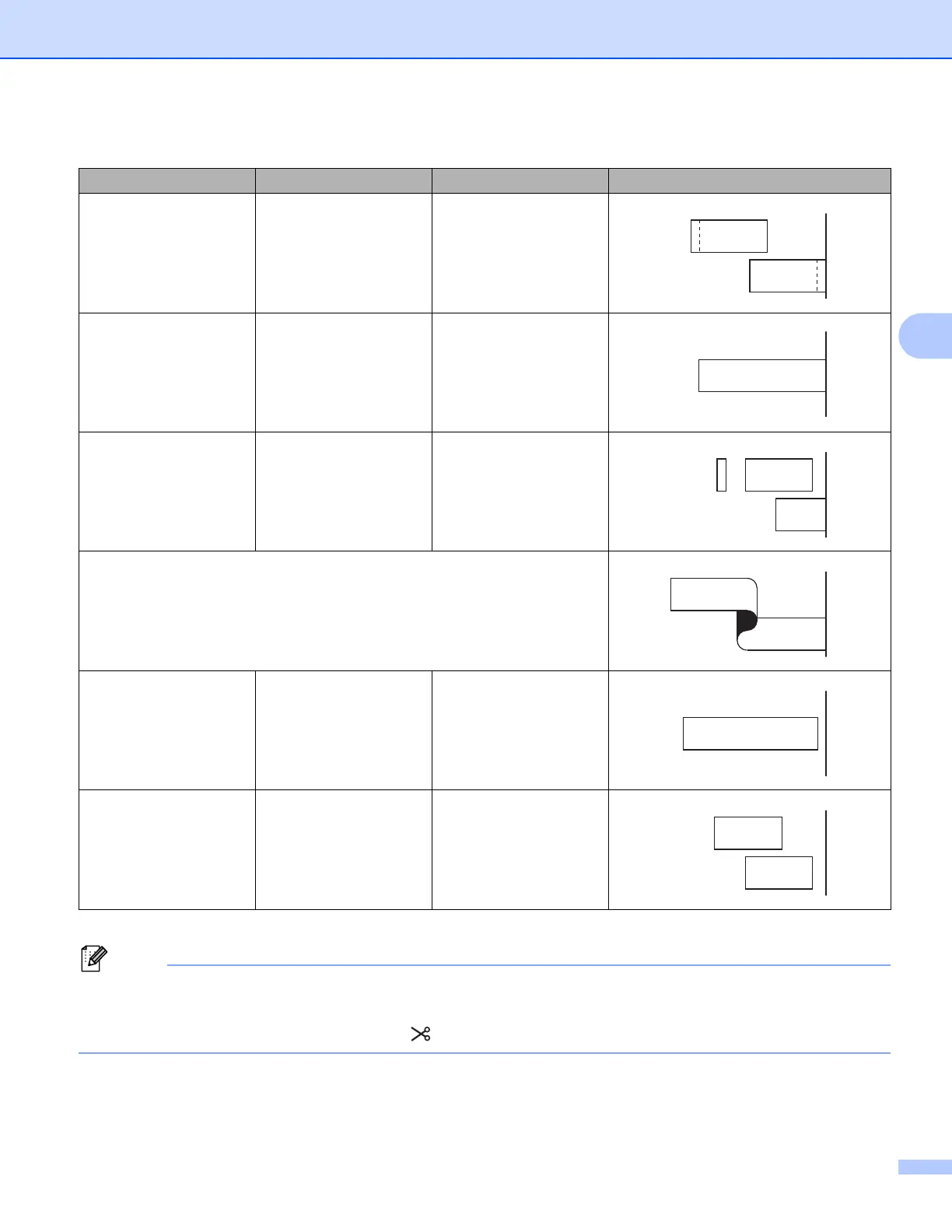
• When printing multiple copies of different labels, you can select the chain printing to reduce the blank
space between the labels. (See the Tape Cut Option Table.)
• When using the chain printing, press the (Feed and Cut) button after the last label is printed.
Yes Yes Yes
No No Yes
Yes No Yes
Special tape
No
(FLe Label)
――
Yes
(FLe Label)
――
Tape Cut Option Table
Auto Cut Half Cut Chain Printing Image












 To Next Page