MicroDock II
User Manual
64
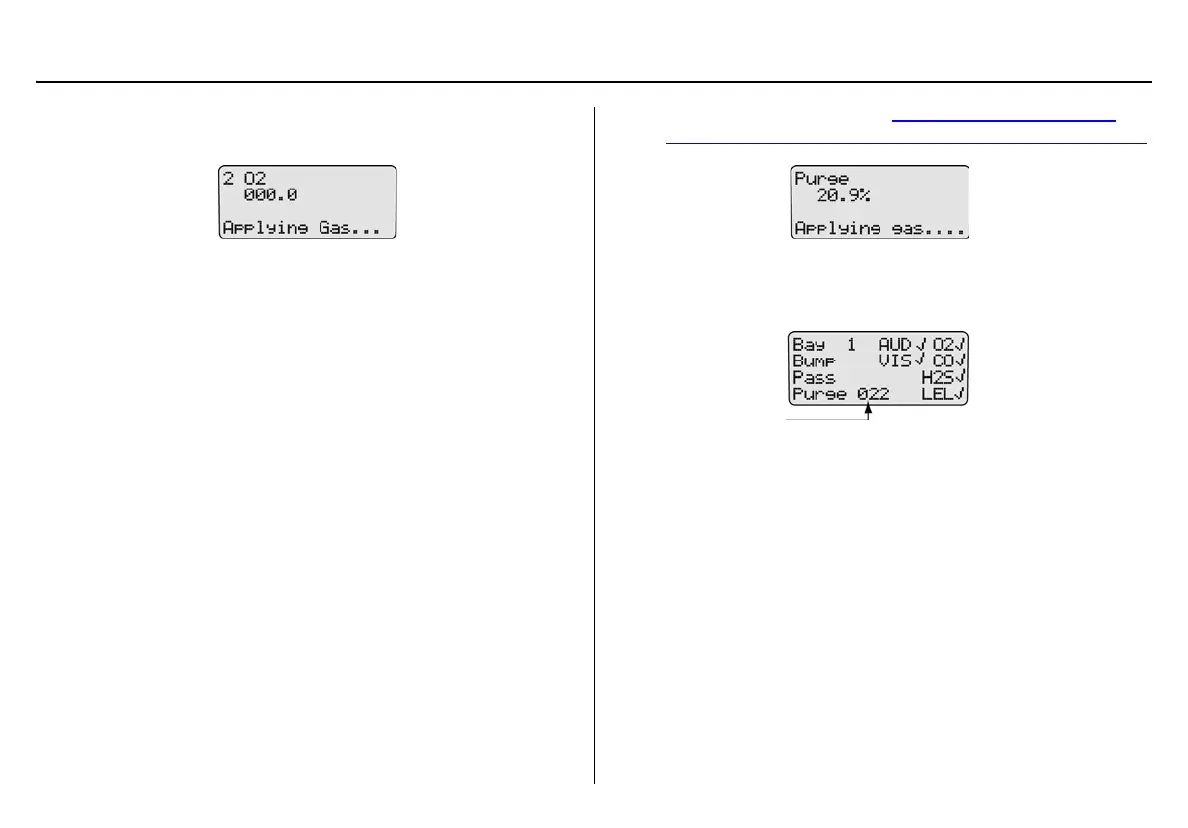
If there are no gas conflicts, the base station then applies the
gas.
If more than one gas is being applied, the base station performs
a purge between each gas. Depending upon the gas type, the
purge time(s) will vary.
a Important
If the Automatic Datalog Download (GasAlertMicroClip,
GasAlertMax XT, and GasAlertQuattro only) is enabled in Fleet
Manager II, data transfer automatically begins during the purge.
Do not remove the detector until the DATA TRANSFER PASS LED
lights, otherwise the transfer will fail.
For more information, refer to Automatic Datalog Download
(GasAlertMicroClip, GasAlertMax XT, and GasAlertQuattro only).
8. After the bump test is complete, the base station displays the
results of the bump test and performs a final purge to clear any
remaining gas.
The countdown of seconds remaining displays beside Purge.
Note
After a bump check is performed, the GasAlertMicro,
GasAlertMicro 5/PID/IR, GasAlertMicroClip, GasAlertMax XT,
and GasAlertQuattro deactivate in 5 minutes if no activity is
detected.



 To Next Page