86
MicroDock II
User Manual
Problem Possible Cause Solution
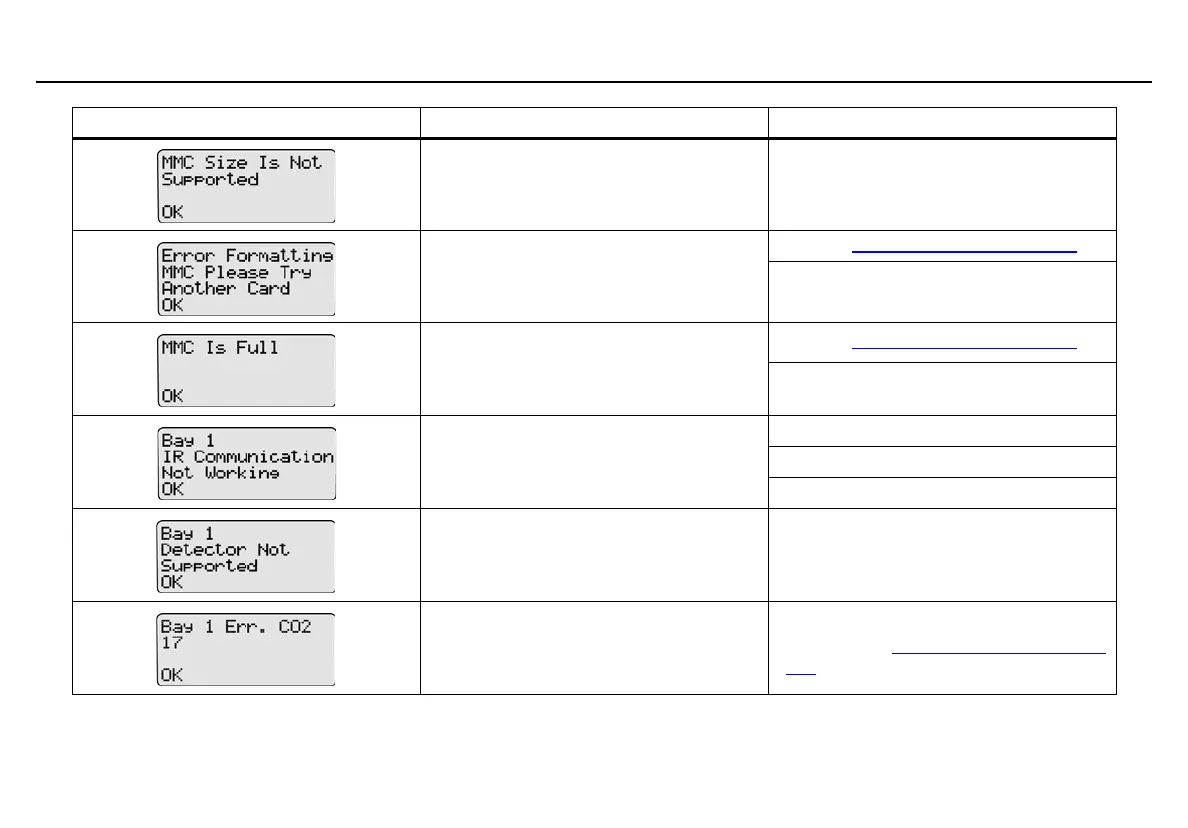
Size of MMC is not supported. Insert a 128 MB Delkin MMC.
MMC is not correctly formatted.
Refer to Formatting the MMC/SD Card
.
Replace with a new MMC/SD card.
Log file has exceeded maximum size.
Refer to Formatting the MMC/SD Card
.
Replace with a new MMC/SD card.
IR not working when detector is inserted
into the module.
Check for dirt on the IR port.
Confirm the detector is activated.
Charge the detector battery if too low.
Non-datalogger detector is inserted
in the docking module.
Insert only datalogger models.
Software exception.
If an error code displays on the LCD, record
it and contact BW Technologies by Honey-
well.



 To Next Page