97
Contents
Preparation/
Setup
Print Using a
Computer
Appendix
IndexPrint/SaveInput/Edit
Names of
Components
Maintenance/
Printer Settings
Trouble-
shooting
4
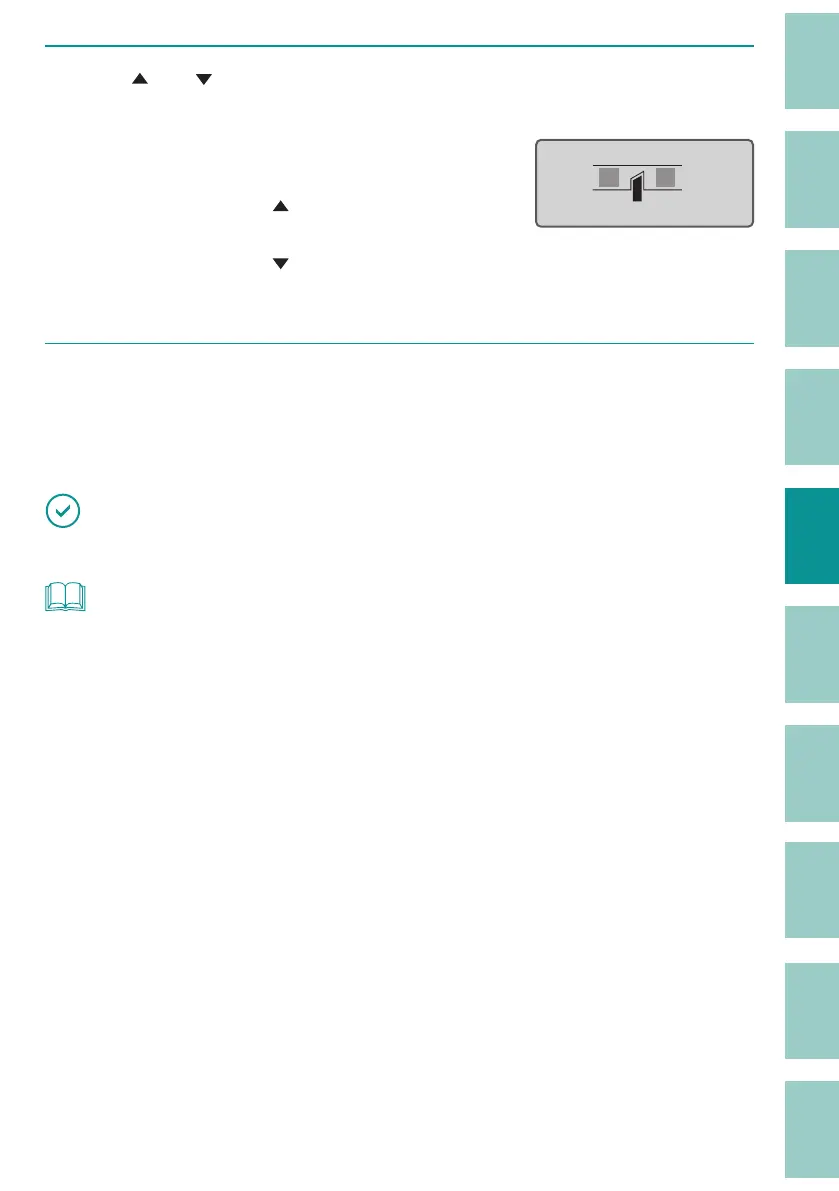
Use [ ] or [ ] to select the half cut depth adjustment value, and press the
[Enter] key.
The Half Cut Depth can be set in 11 levels: "Deep
(1 to 5)," "Normal," and "Shallow (1 to 5).
Each time you press [
], the cut is deepened
by one step.
Each time you press [
], the cut will become
shallower by one step.
ɻɻ
Half Cut Depth
[ Deep 1 ]
5
Press the [Shift]+[Canc] keys.
The display returns to the character input
display.
IMPORTANT
• If you make the cut depth deeper than necessary, the cutter and blade receiver will wear out quickly.
NOT
• If the half cut is too deep even when the cut depth is adjusted to the shallowest setting, the blade
receiver may be worn out. Replace the cutter and blade receiver.
(P.189)



 To Next Page