199
Contents
Preparation/
Setup
Print Using a
Computer
Appendix
IndexPrint/SaveInput/Edit
Names of
Components
Maintenance/
Printer Settings
Trouble-
shooting
Speeding Up the Time until Printing Starts
You can speed up the time to start printing by setting not to adjust the print position before
starting printing. The default setting of the print priority is "Print position."
1
Press the [Settings] key.
2
Use [ ] or [ ] to select "Others" and press the [Enter] key.
ɻɻ
Settings
Others
Print adjust
Setting
3
Use [ ] or [ ] to select " Print priority," and then press the [Enter] key.
Others
AutoBacklightO
Print priority
Init. DeleteCheck
4
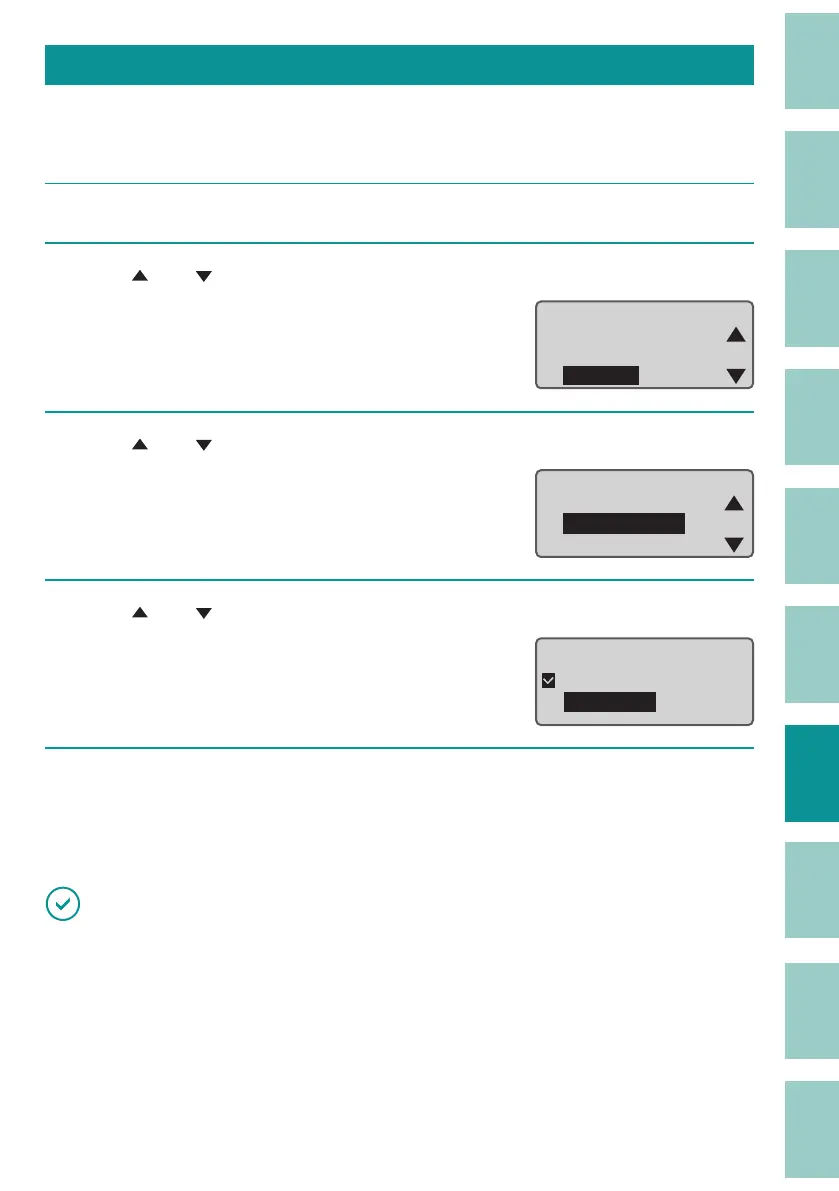
Use [ ] or [ ] to select "First Print," and press the [Enter] key.
Print priority
Print position
First Print
5
Press the [Shift]+[Canc] keys.
The display returns to the character input
display.
IMPORTANT
• When "First Print" is selected, the margin at the top portion of the tube is larger than when "Print
position" is selected. However, if the tube size is "ø1.5 mm," the amount of blank space at the top
portion will not change even if the print priority setting is changed.



 To Next Page