82
Contents
Preparation/
Setup
Print Using a
Computer
Appendix
IndexPrint/SaveInput/Edit
Names of
Components
Maintenance/
Printer Settings
Trouble-
shooting
Printing by Specifying a Print Range
You can specify a speci c page or range to print. The default setting for the print range is set to
"All pages."
Setting Details
All pages
(Default Setting)
Prints all pages.
Cursor page Prints only the currently displayed page.
Speci ed page
Prints the range speci ed by "Start page" and "End page."
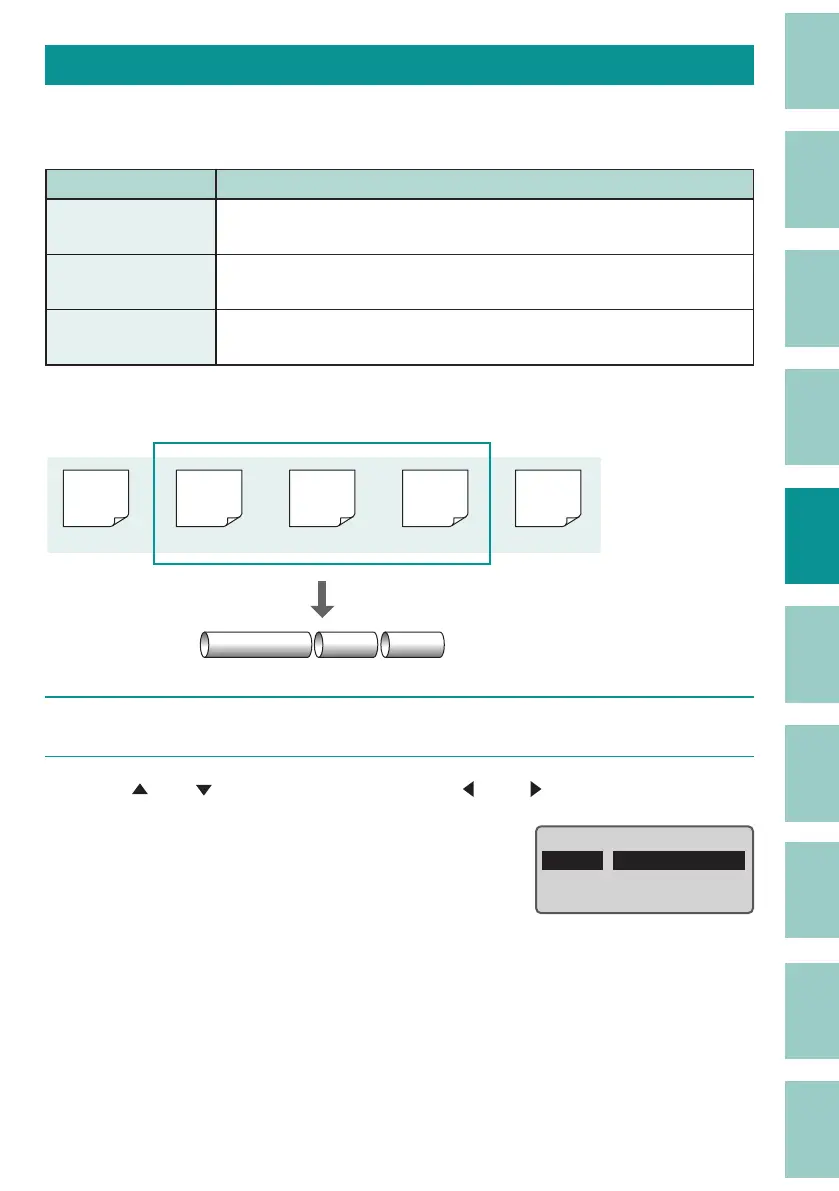
[Example] Print pages 2 to 4 of the following data.
Pump Room
C1 C2
200V
(Page 1)
Pump
Room
(Page 2)
C1
(Page 3)
C2
(Page 4)
C3
(Page 5)
1
Display the data to be printed, and press the [Print] key.
2
Use [ ] or [ ] to select "Range", and use [ ] or [ ] to select "Speci ed."
Print /Preview
ɻɻ
Range :
Start page
End page
:1
:1
Specied



 To Next Page