231
Contents
Preparation/
Setup
Print Using a
Computer
Appendix
IndexPrint/SaveInput/Edit
Names of
Components
Maintenance/
Printer Settings
Trouble-
shooting
List of Function
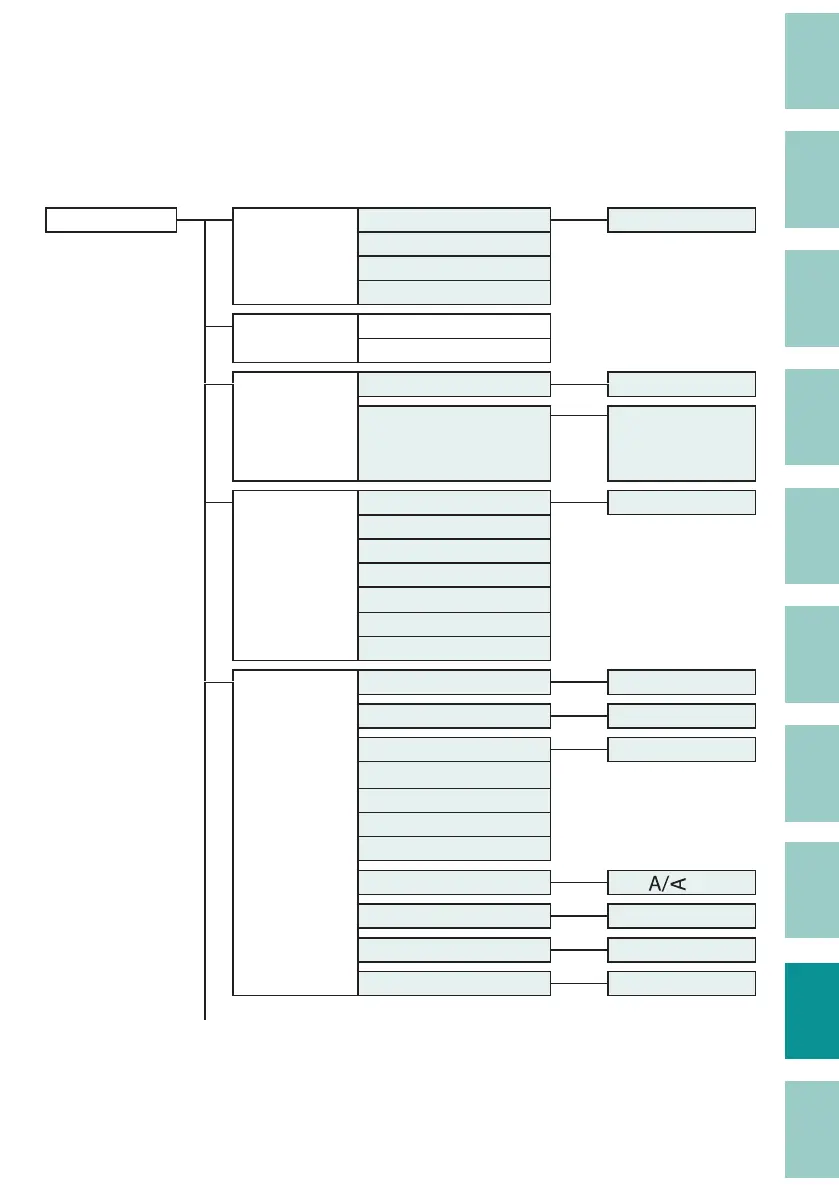
The functions that can be set for each function key are as follows. All functions can be set using
the [Settings] key.
[Settings] key Connect PC connect [Connect] key *2
Bluetooth
Distributed Print
ConnectKeyCon g
Warmer
Warmer Control
Warmer Temp.
Character Edit Numbering [Num] key
Symbol
[Symbol 1] key
or
[Symbol 2] key
Page Edit Insert [Edit] key
Delete
Copy
Cut
Paste
Division
Combining
Page Settings
*1
Character Size [Char Size] key
Frame [Frame] key
Cut Length [Seg Len] key
Alignment
Plate Print Area
All centering
Batch (Cut Length)
Orientation [
] key
Continuous Print [Cont Print] key
Character Space [Char Space] key
Lines [Set Lines] key
*1 The order in "Page Settings" may di er from what is actually displayed on the screen.
*2 When the [Connect] key is set to "PC or Bluetooth" (default setting).


 To Next Page