100
Contents
Preparation/
Setup
Print Using a
Computer
Appendix
IndexPrint/SaveInput/Edit
Names of
Components
Maintenance/
Printer Settings
Trouble-
shooting
Adjusting the Cut Motion
If cutting is di cult depending on the material of the print media, adjust the motion of the cut.
Adjustment can be set for both "Half cut" and "Full cut."
NOT
• If the cutter blade is becoming less sharp, adjust the depth of the cut.
(P.96)
■
Changing the Motion of the Half Cut
The motion of the half cut can be set for each print media. The default setting is set to "Normal."
[Example] The half cut of the label tape is not cut properly, so the cut is made stronger.
1
Press the [Adjust] key.
2
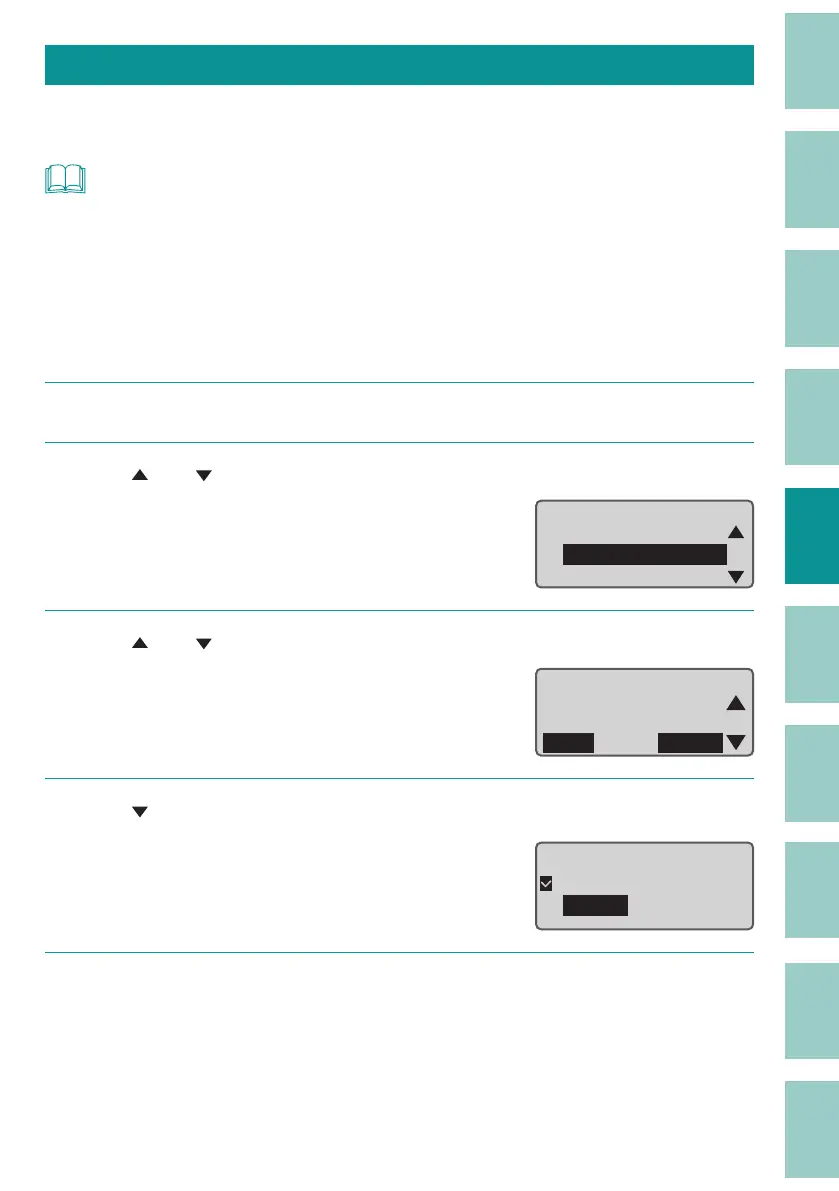
Use [ ] or [ ] to select " Half Cut Motion" and then press the [Enter] key.
ɻɻ
Adjustments
Half Cut Depth
Half Cut Motion
Full
Cut Depth
3
Use [ ] or [ ] to select "Label," and press the [Enter] key.
Tube
ShrinkTube
Label
Half Cut Motion
Normal
Normal
Normal
4
Use [ ] to select "Intense" and press the [Enter] key.
You can set the Half Cut Motion in two levels,
"Normal" and "Intense."
Half Cut Motion
Normal
Intense
5
Press the [Shift]+[Canc] keys.
The display returns to the character input display.



 To Next Page