15
Contents
Preparation/
Setup
Print Using a
Computer
Appendix
IndexPrint/SaveInput/Edit
Names of
Components
Maintenance/
Printer Settings
Trouble-
shooting
Turning the Printer On/O
Turning the Printer On
1
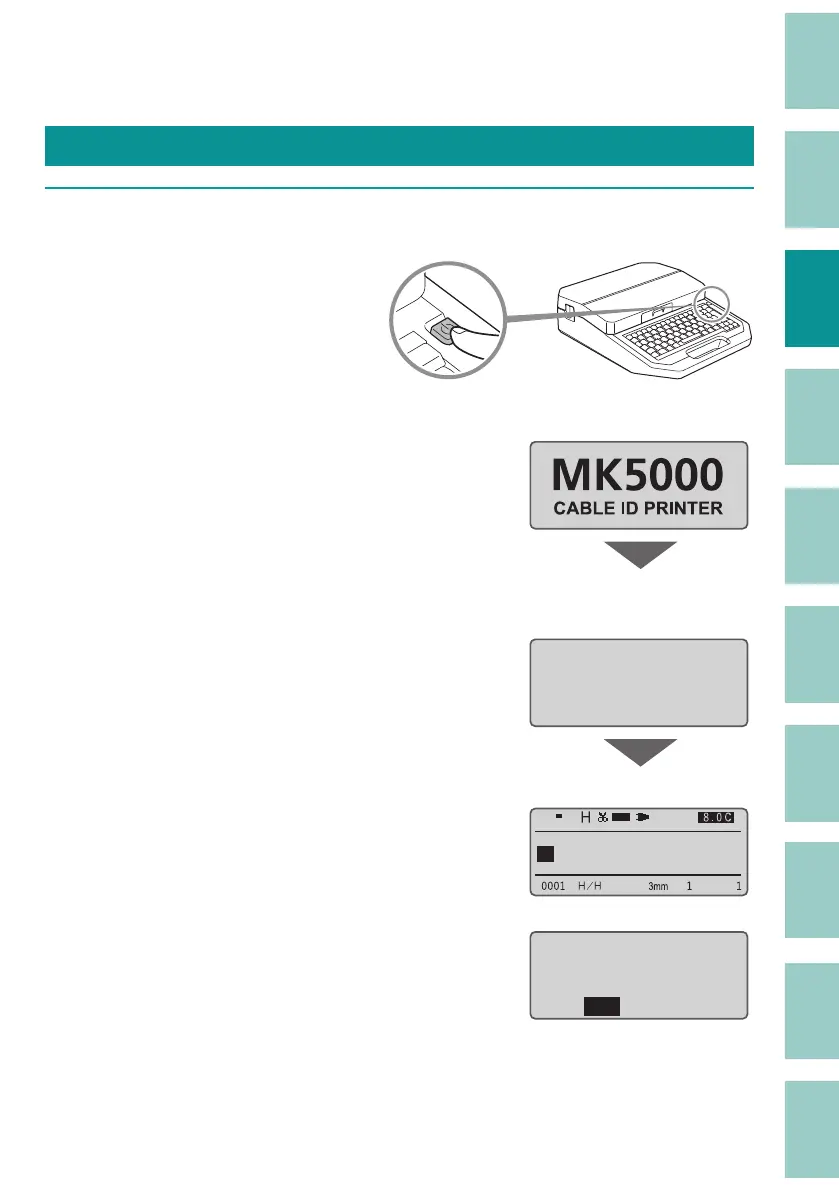
Press and hold the power key for 1 second or more.
When the power is turned on, the screen are
switched in the order "Startup display">"Ribbon
cassette information display">"Character input
display."
If the power is turned on without a ribbon
cassett
e loaded, the ribbon cassette information
display will not be displayed.
" Startup display"
ɻɻ
" Ribbon cassette information
display"
Ribbon information
ɻɻ
black 40m
" Character input display"
1
If there is any data that was displayed when
the power was last turned o (or automatically
turned o ), a screen will appear to con rm
whether you would like to delete the data. If
you press [Yes], the character input display will
appear with the data erased.
The data being
edited remains.
Erase it?ɻ
Yes No



 To Next Page