99
Contents
Preparation/
Setup
Print Using a
Computer
Appendix
IndexPrint/SaveInput/Edit
Names of
Components
Maintenance/
Printer Settings
Trouble-
shooting
Using Forced Full Cut
If the situation is not improved after adjusting the cut depth for full cut, use "Forced full cut." With
Forced full cut, the cut is made to the deepest point. If the situation is not improved even after
using Forced full cut, replace the cutter.
(P.189)
1
Press the [Settings] key.
2
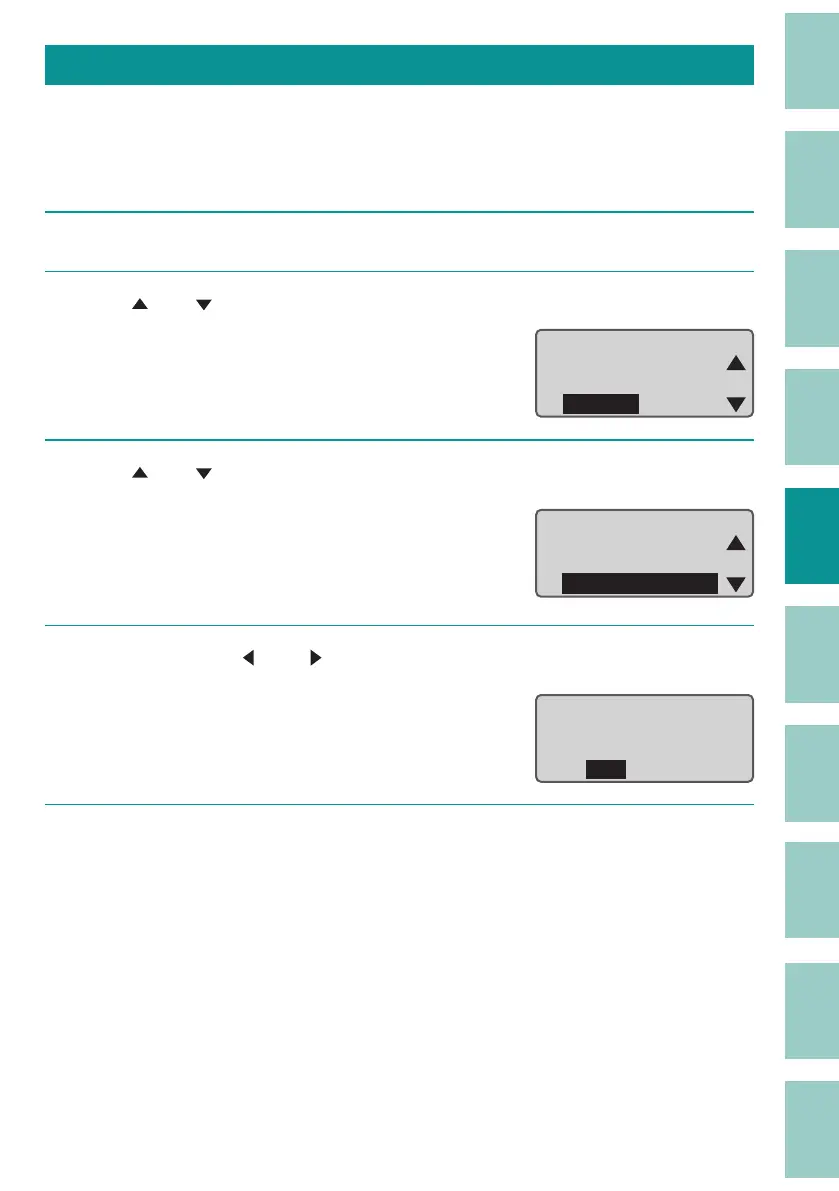
Use [ ] or [ ] to select "Others" and press the [Enter] key.
ɻɻ
Settings
Others
Print adjust
Setting
3
Use [ ] or [ ] to select " Forced full cut," and then press the [Enter] key.
A con rmation screen will appear.
Remove
Cleaning
Forced full cut
2WKHUV
4
Select "Yes" with [ ] or [ ] and press the [Enter] key.
Full cut will be performed.
<HVɻ1R
&XWSULQWPHGLD"
5
Press the [Shift]+[Canc] keys.
The display returns to the character input
display.



 To Next Page