108
Contents
Preparation/
Setup
Print Using a
Computer
Appendix
IndexPrint/SaveInput/Edit
Names of
Components
Maintenance/
Printer Settings
Trouble-
shooting
Changing the Folder Name
This is how to change the name of a folder.
The product comes with 10 folders ("Folder 1" to "Folder 10").
[Example] Rename "Folder 1" to "Pump."
1
Press the [File] key.
2
Use [ ] or [ ] to select "Save," and press the [Enter] key.
File
Save
Load
Delete
3
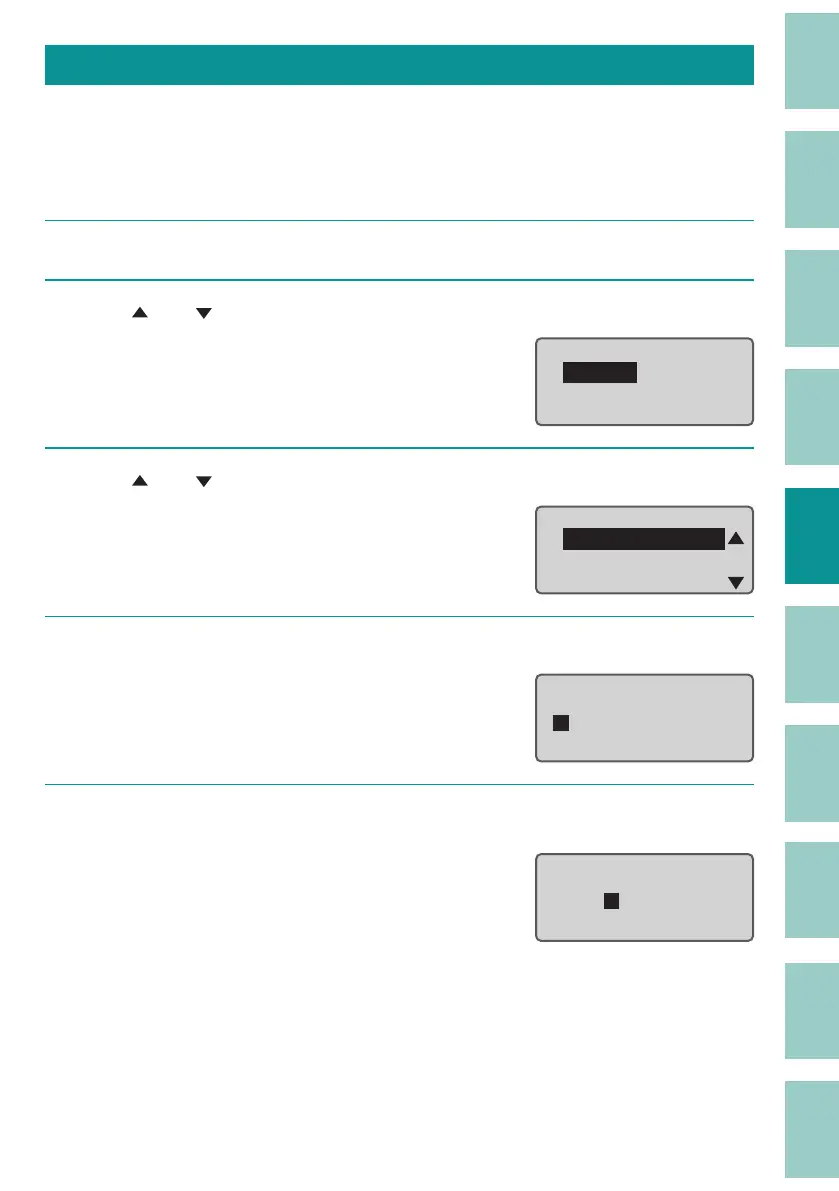
Use [ ] or [ ] to select "Folder 1" and press the Space key.
Select Folder
Folder 1
Folder 2
Folder 3
4
Press the [Del] key to delete all characters in "Folder 1."
Folder 1
Input folder name
5
Enter "Pump" (folder name), and then press the [Enter] key.
You can enter up to eight characters for the
folder name.
Pump
Input le name



 To Next Page