138
Contents
Preparation/
Setup
Print Using a
Computer
Appendix
IndexPrint/SaveInput/Edit
Names of
Components
Maintenance/
Printer Settings
Trouble-
shooting
Con gure the Format Setting
Change the character size, number of lines, and other format setting.
1
Open the le.
(P.131)
2
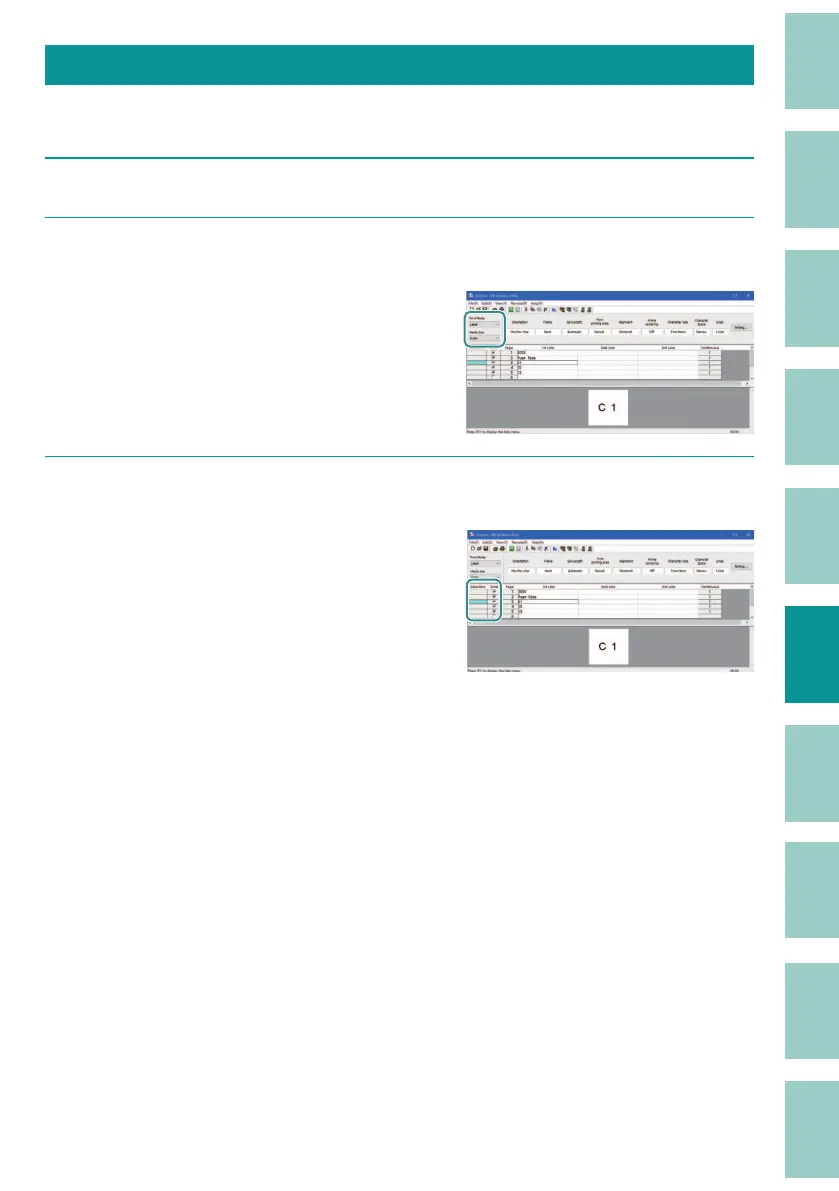
Select the print media and media size to specify the set length.
Since the range of set length that can be
speci ed varies depending on the print media,
set the "Print Media" before format setting (Step
3).
3
Select the page to change the format in the data list.
To select multiple pages, do one of the
following.
- When selecting multiple pages in a row:
Click on the start point to select it, then click
on the end point while holding down the
[Shift] key on your keyboard. Release the [Shift]
key when you are done.
- To select multiple, non-contiguous pages:
Hold down the [Ctrl] key on your keyboard as
you select pages. When you are done, release
the [Ctrl] key.
- You can select all pages by clicking on the
header line.



 To Next Page