129
Contents
Preparation/
Setup
Print Using a
Computer
Appendix
IndexPrint/SaveInput/Edit
Names of
Components
Maintenance/
Printer Settings
Trouble-
shooting
Toolbar
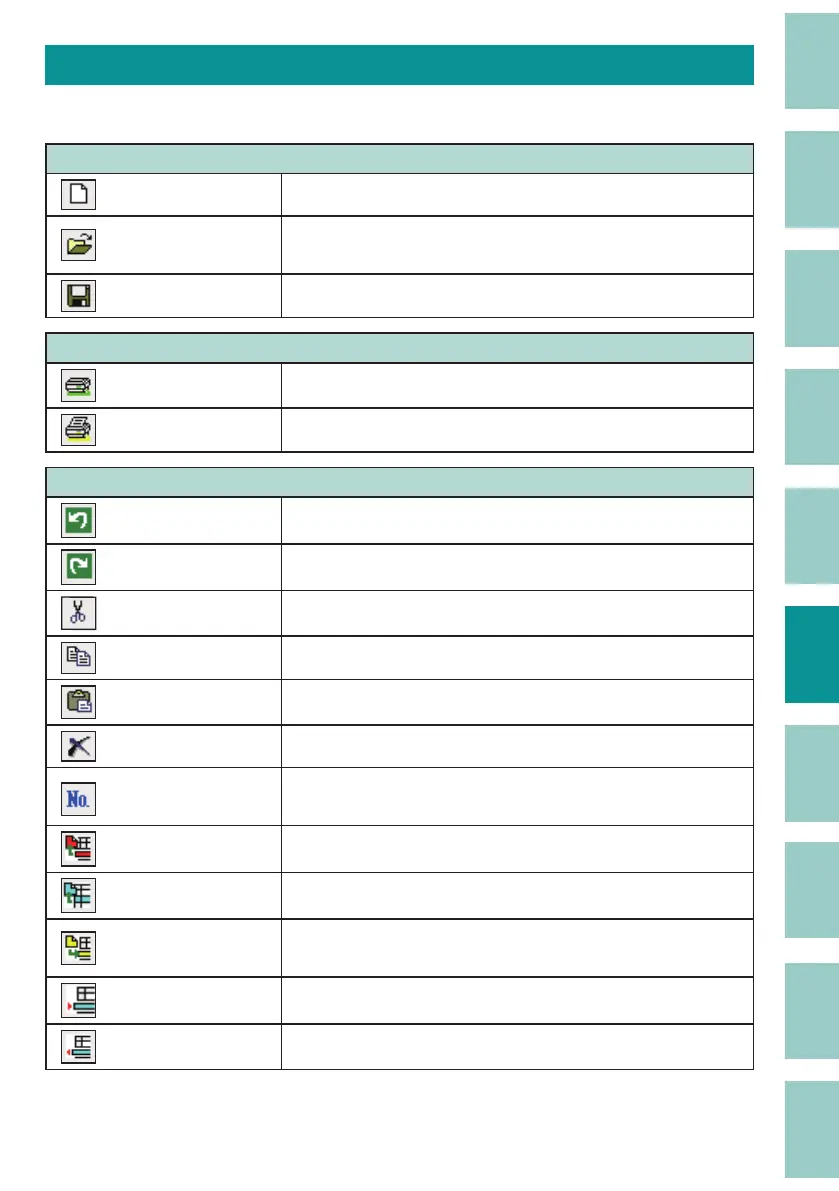
The toolbar displays frequently used menus as buttons.
Data Toolbar
(New) Creates a new data list.
(P.130)
(Open)
Open an existing le or CSV le to load data.
(P.131)
(Save)
Overwrite and save the data currently being edited.
(P.136)
Send Toolbar
(Send data, and Save le)
Save data to a folder in the printer.
(P.166)
(Print) Print the data currently being edited.
(P.144)
Edit Toolbar
(Undo) Invalidates the last operation.
(Redo) Re-enables the operation that was invalidated by "Undo."
(Cut) Cuts the speci ed text.
(Copy) Copies the speci ed text.
(Paste) Pastes the cut or copied text.
(Delete) Deletes the speci ed text.
(Numbering)
Automatically create pages by assigning consecutive
numbering or letters to a xed string of characters.
(P.142)
(Page Cut) Cuts the speci ed page.
(Page Copy) Copies the speci ed page.
(Page Paste)
Pastes the cut or copied page to the front of the speci ed
page.
(Page Insert) Inserts a blank page before the cursor page.
(Page Delete) Deletes the cursor page.



 To Next Page