202
Contents
Preparation/
Setup
Print Using a
Computer
Appendix
IndexPrint/SaveInput/Edit
Names of
Components
Maintenance/
Printer Settings
Trouble-
shooting
Changing the Function Assignment of the [Connect] Key
You can change the function of the [Connect] key when it is pressed. By assigning frequently
used connections, you can easily switch the connection status. The default setting is "PC or
Bluetooth."
[Example] Setting it up so that pressing the [Connect] key enters PC connection mode
1
Press the [Settings] key.
2
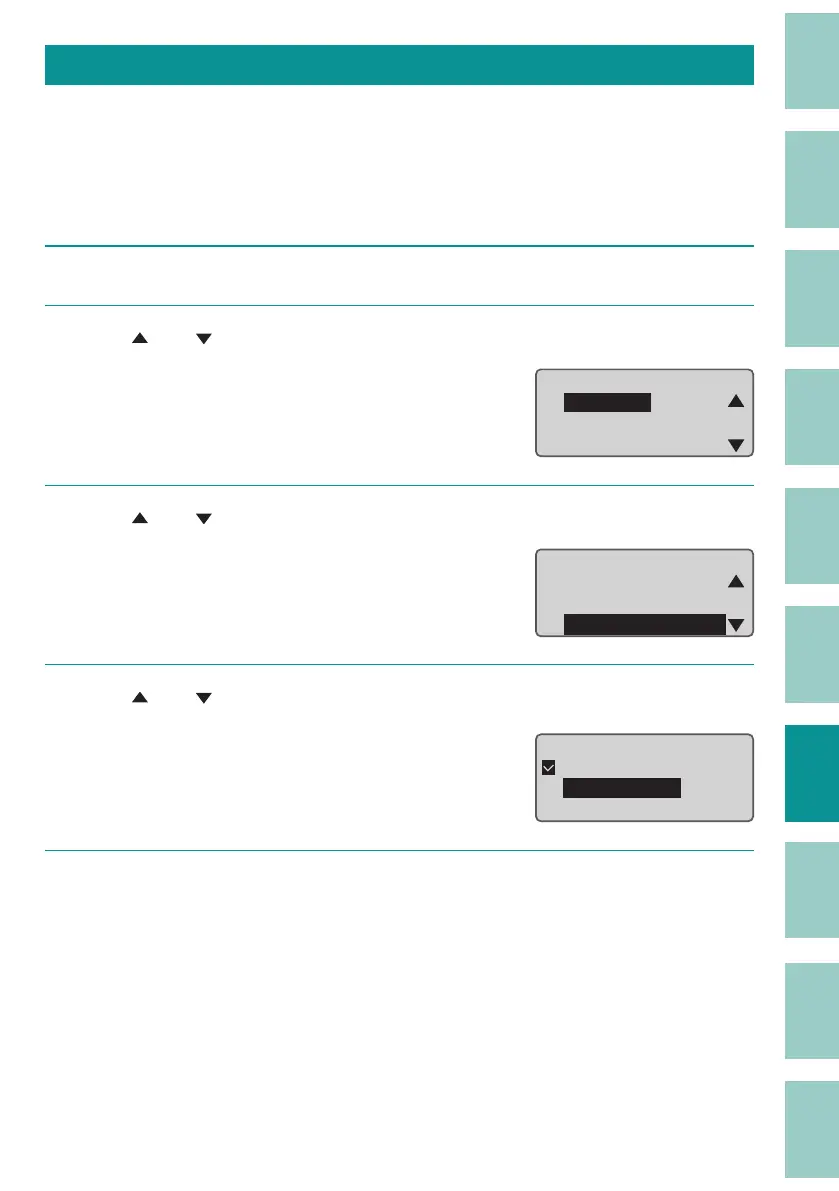
Use [ ] or [ ] to select "Connect" and press the [Enter] key.
Settings
ɻɻ
Connect
Warmer
Character Edit
3
Use [ ] or [ ] to select "ConnectKeyCon g," and then press the [Enter] key.
Connect
ConnectKeyCong
Bluetooth
DistributedPrint
4
Use [ ] or [ ] to select "PC connect" and press the [Enter] key.
Select PC or Bluetooth, PC connect, or Bluetooth.
Connect Key Cong
ɻɻ
3&RU%OXHWRRWK
PC connect
Bluetooth
5
Press the [Shift]+[Canc] keys.
The display returns to the character input
display.



 To Next Page