204
Contents
Preparation/
Setup
Print Using a
Computer
Appendix
IndexPrint/SaveInput/Edit
Names of
Components
Maintenance/
Printer Settings
Trouble-
shooting
Bluetooth
You can connect your tablet device to this printer using the Bluetooth function.
NOT
• For the settings of the tablet device, refer to the instruction manual of the tablet device.
• In order to send data to this printer, you need to install a dedicated application that is compatible with
this printer on your tablet device. For details, please contact the place of purchase.
Connecting a Tablet Device to the Printer
1
Press the [Connect] key.
2
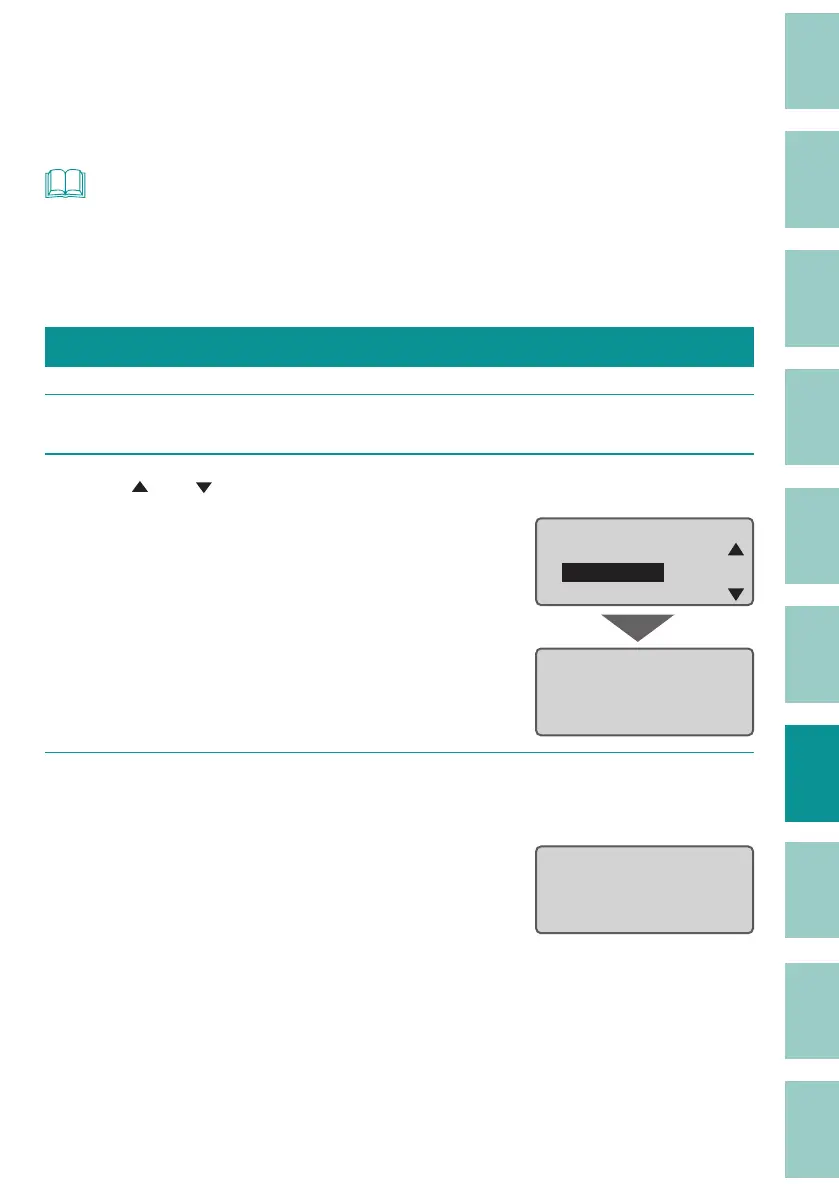
Use [ ] or [ ] to select " Bluetooth," and then press the [Enter] key.
Connect
PC connect
Bluetooth
DistributedPrint
Bluetoothɻ
BD Addresss
XX:XX:XX:XX:XX:XX
Standby...
3
Turn on the Bluetooth function of the tablet device and connect it to the
printer.
When the tablet device is connected to the
printer, the display will change to "Waiting for
data..."
Bluetooth
ɻɻ
Waiting for data...



 To Next Page