117
Contents
Preparation/
Setup
Print Using a
Computer
Appendix
IndexPrint/SaveInput/Edit
Names of
Components
Maintenance/
Printer Settings
Trouble-
shooting
Connecting Multiple MK5000 Printers
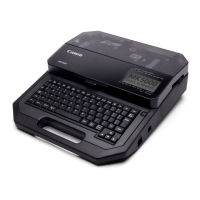
If you want to connect multiple MK5000 printers to a single computer, you will need to install
the printer driver for each unit. After installing the printer driver for the rst printer, follow the
steps below to add printer drivers.
IMPORTANT
• If the printer and computer are connected with a USB cable, unplug the connected USB cable.
• Up to three MK5000 printers can be connected.
• If there are multiple printers connected via USB, the print data can be evenly divided and printed.
(Distributed Print)
(P.158)
1
Turn on the printer.
(P.15)
2
Press the [Connect] key.
3
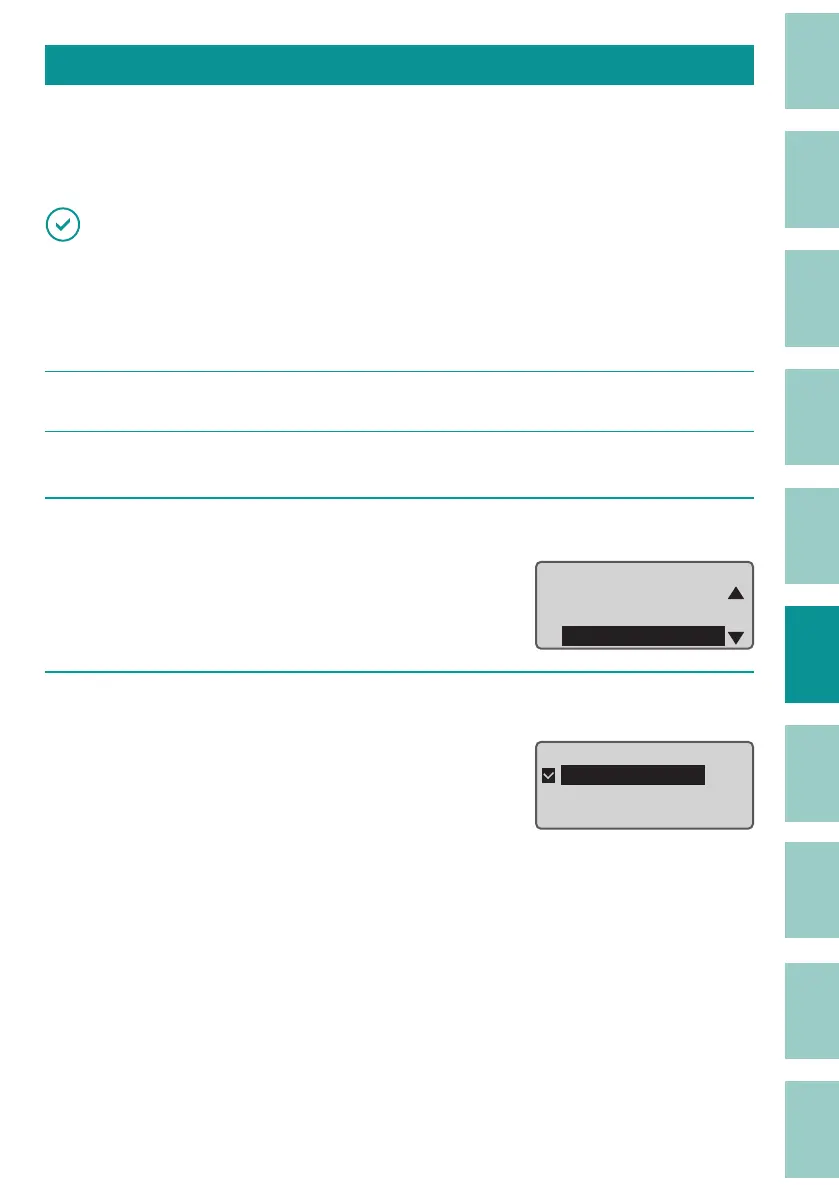
Select "Distributed Print" and press the [Enter] key.
Connect
PC connect
Bluetooth
DistributedPrint
4
Select the printer ID, and press the [Enter] key.
Select "MK5000-001," "MK5000-002," or "MK5000-
003."
Do not duplicate the printer IDs set for each
pr
inter.
Press the [Enter] key to return to the character
input displa
y.
Distributed print
ɻɻ
ɻMK5000 - 001
ɻMK5000 - 002
ɻMK5000 - 003


 To Next Page