141
Contents
Preparation/
Setup
Print Using a
Computer
Appendix
IndexPrint/SaveInput/Edit
Names of
Components
Maintenance/
Printer Settings
Trouble-
shooting
- Regardless of "All line centering" setting, all lines will be centered and printed.
- The center line will not be printed regardless of the center line setting.
• You may not select "All line centering" in the following cases.
- When the set length is set to "Automatic."
- When the text alignment is set to anything other than "Centered."
- When the number of lines is set to "1 Line."
- When the orientation is set to "Vert/Hor char" (with "All line centering" set to "On").
• When the compound page print settings is turned on, the following settings cannot be changed.
- Orientation, Frame, Set Length, Plate printing area, Alignment, All line centering, Continuous
(continuous print)
6
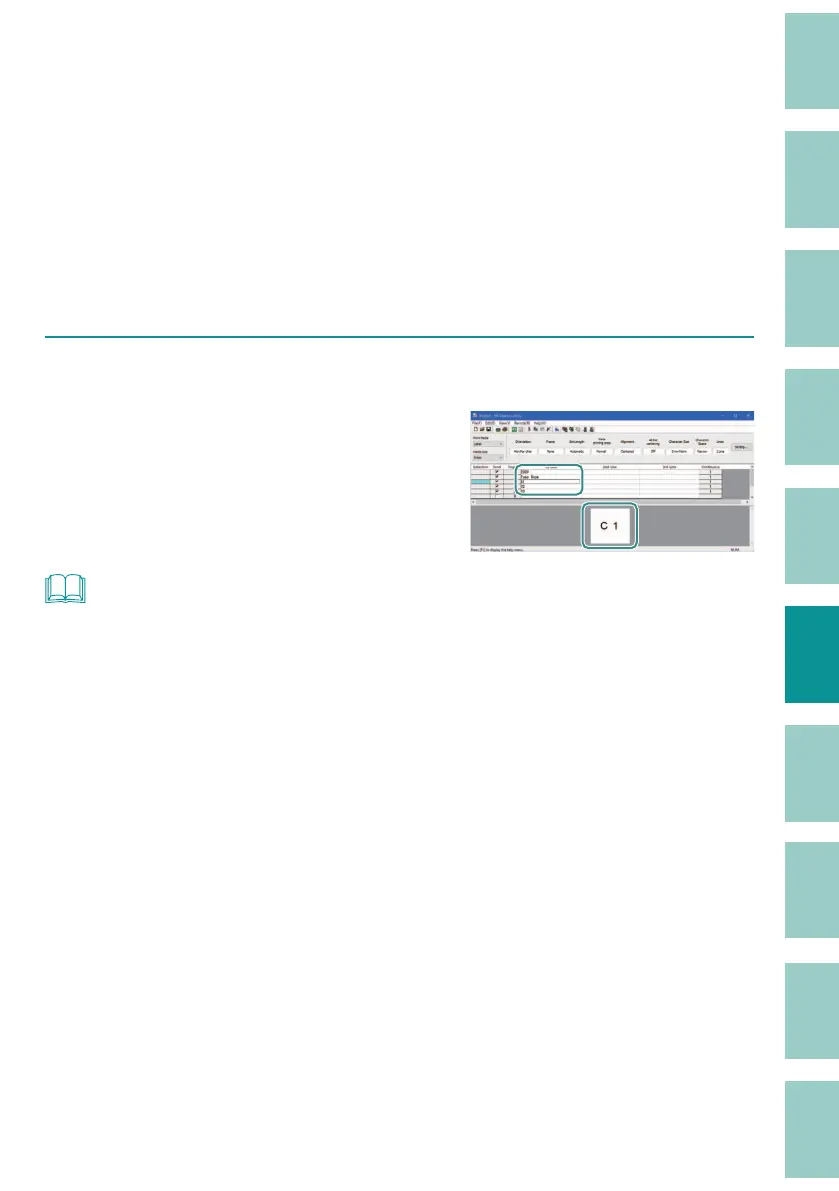
Click [OK].
When you click [OK], the format setting are
con rmed, and the settings are re ected in the
data list (Full/Half-width) and the preview area.
NOT
• The settings for [Continuous] (continuous print) are not re ected in the display of the preview area.



 To Next Page