176
Contents
Preparation/
Setup
Print Using a
Computer
Appendix
IndexPrint/SaveInput/Edit
Names of
Components
Maintenance/
Printer Settings
Trouble-
shooting
5
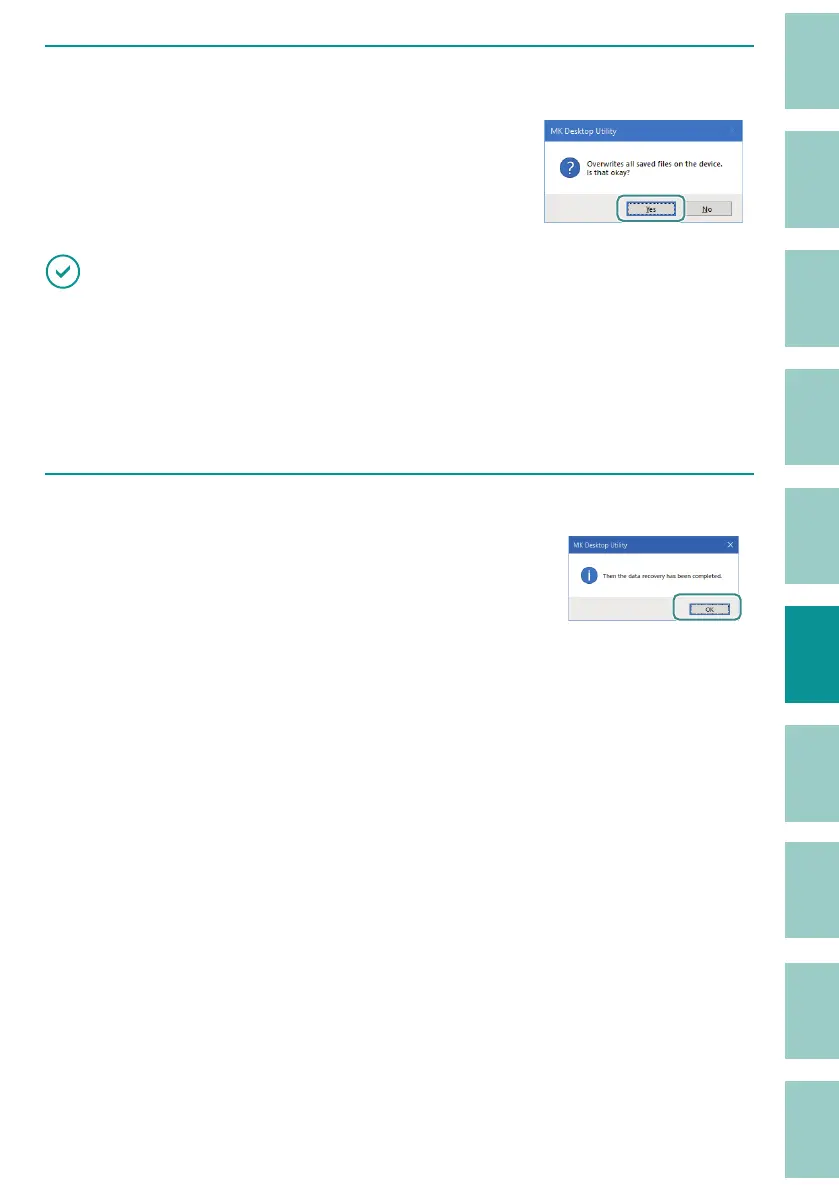
When the overwrite con rmation message is displayed, click [Yes].
IMPORTANT
• Until you see the message "Then the data recovery has been completed," make sure of the following
points. Otherwise, the data may get corrupted.
- Do not turn o the printer or computer.
- Do not disconnect the USB cable.
- Do not operate the keyboard.
6
When the completion message is displayed, click [OK].



 To Next Page