197
Contents
Preparation/
Setup
Print Using a
Computer
Appendix
IndexPrint/SaveInput/Edit
Names of
Components
Maintenance/
Printer Settings
Trouble-
shooting
■
Changing the Automatic Backlight O Setting
Change the time for the display backlight to automatically turn o after a certain period of
inactivity. The default setting is "5 min."
1
Press the [Settings] key.
2
Use [ ] or [ ] to select "Others" and press the [Enter] key.
ɻɻ
Settings
Others
Print adjust
Setting
3
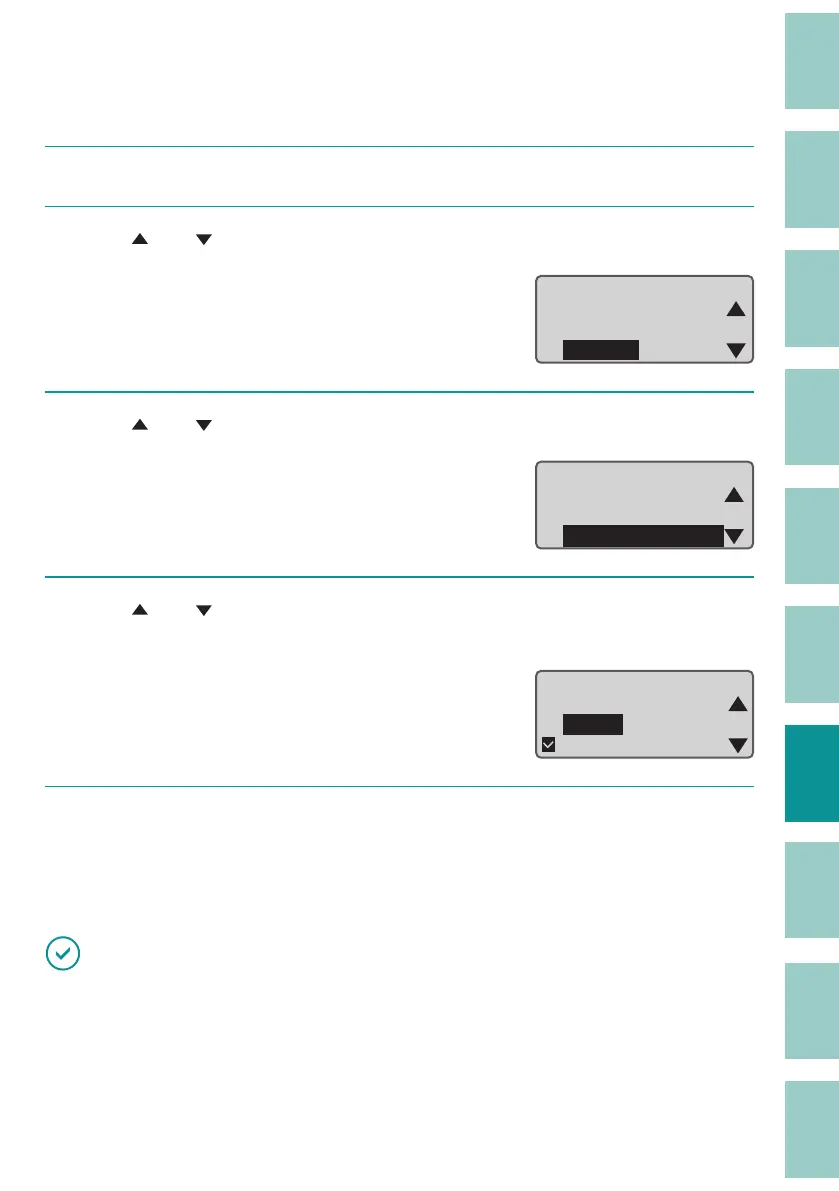
Use [ ] or [ ] to select " AutoBacklightO " and press the [Enter] key.
Others
AutoO (adapter)
AutoO
(battery)
AutoBacklightO
4
Use [ ] or [ ] to select the time until the backlight turns o automatically,
and then press the [Enter] key.
You can select "No," "1 min.," "3 min.," or "5 min."
Auto Backlight O
1 min.
3 min.
5 min.
5
Press the [Shift]+[Canc] keys.
The display returns to the character input
display.
IMPORTANT
• If the set time elapses without receiving data while connected to a PC or Bluetooth, the backlight will
automatically turn o .



 To Next Page