43
Contents
Preparation/
Setup
Print Using a
Computer
Appendix
IndexPrint/SaveInput/Edit
Names of
Components
Maintenance/
Printer Settings
Trouble-
shooting
NOT
• The character size can be set for each page.
• Even if you select half-width characters, symbols will be printed in full-width.
• Some character sizes cannot be selected depending on the number of lines, the cut length setting,
and the size of the print media.
• No error message will be displayed even if the print data extends beyond the width (top and bottom)
of the print media. Refer to the following to set the character size and frame.
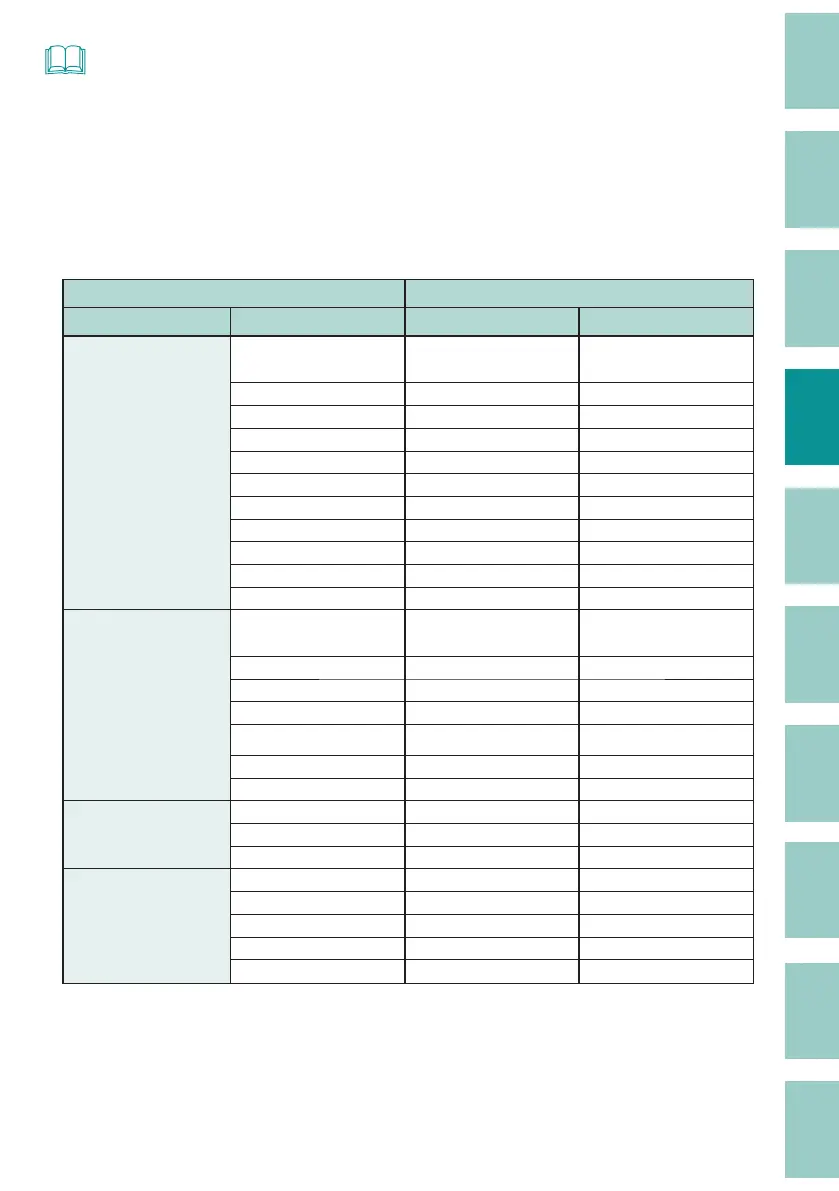
Maximum Printable Character Size
Print Media Maximum Printable Character Size
Type Size (mm) Without frame (mm) With frame (mm)
Tube
Clear tube
Shrink tube
1.5 1.3
×
(printing not possible)
2.5 2.6 1.3
3 3 2.6
444
564
666
6.5 6 6
766
866
966
10 6 6
Flat tube
1.5 1.3
×
(printing not possible)
2.5 1.3 1.3
3 4 2.6
443
564
666
6.5 6 6
Label
632
964
12 6 6
Plate
844
8.5 4 4
964
9.5 6 4
10 6 6



 To Next Page