46
Contents
Preparation/
Setup
Print Using a
Computer
Appendix
IndexPrint/SaveInput/Edit
Names of
Components
Maintenance/
Printer Settings
Trouble-
shooting
5
Press the [Enter] key.
The display returns to the character input
display.
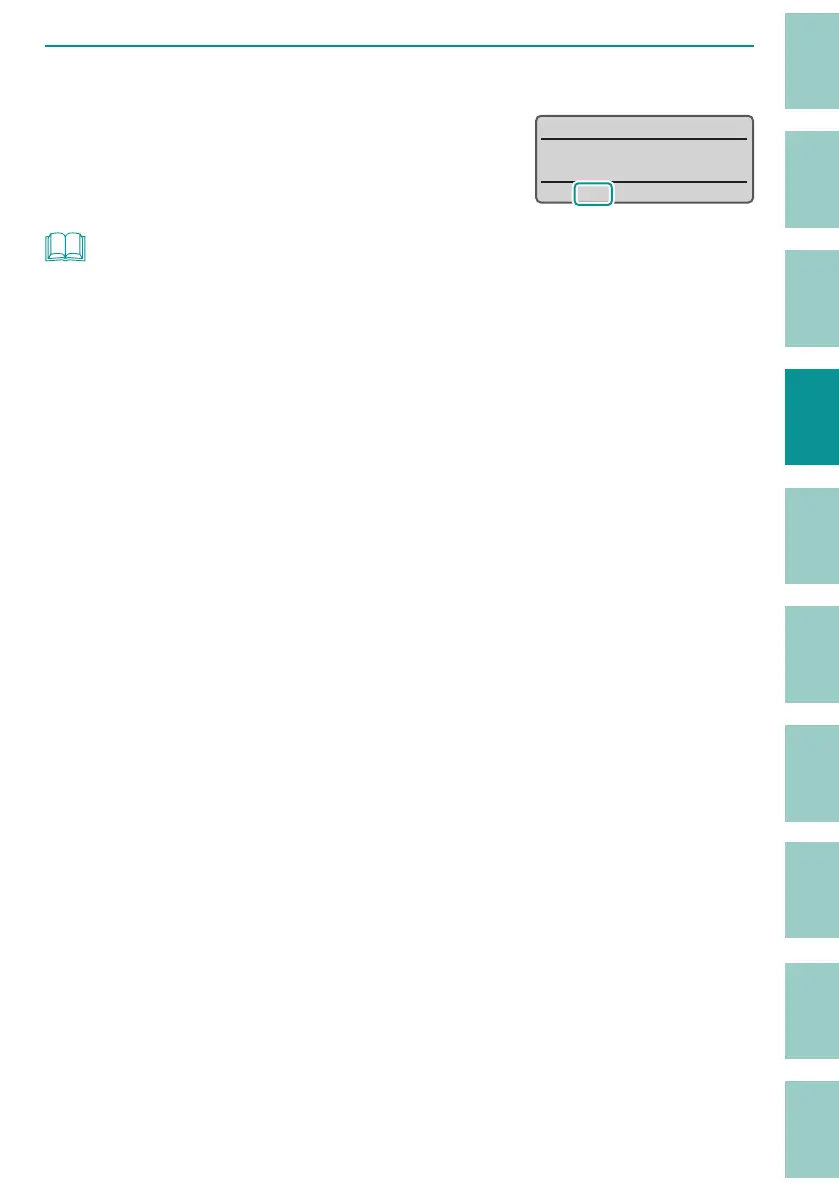
The orientation settings can be checked on the
displa
y.
˛
V V
ʙ
NOT
• The orientation can be set for each page.
• If you change the orientation, a con rmation message will appear if any characters do not t within
the page. To cancel the changes, select "No."
• If you want to set the orientation to "Vert/Hor char," set the orientation before entering text. It is not
possible to specify "Vert/Hor char" for the text you input.
• If you set the orientation to "Vert/Hor char," the settings will be as follows.
- The character space is set to "Narrow" and cannot be changed.
- The text will be printed centered even if the alignment is set to "Even Distribution."
- Regardless of the "All line centering" setting, all lines will be centered and printed.
- The center line will not be printed regardless of the Center Line setting.



 To Next Page