51
Contents
Preparation/
Setup
Print Using a
Computer
Appendix
IndexPrint/SaveInput/Edit
Names of
Components
Maintenance/
Printer Settings
Trouble-
shooting
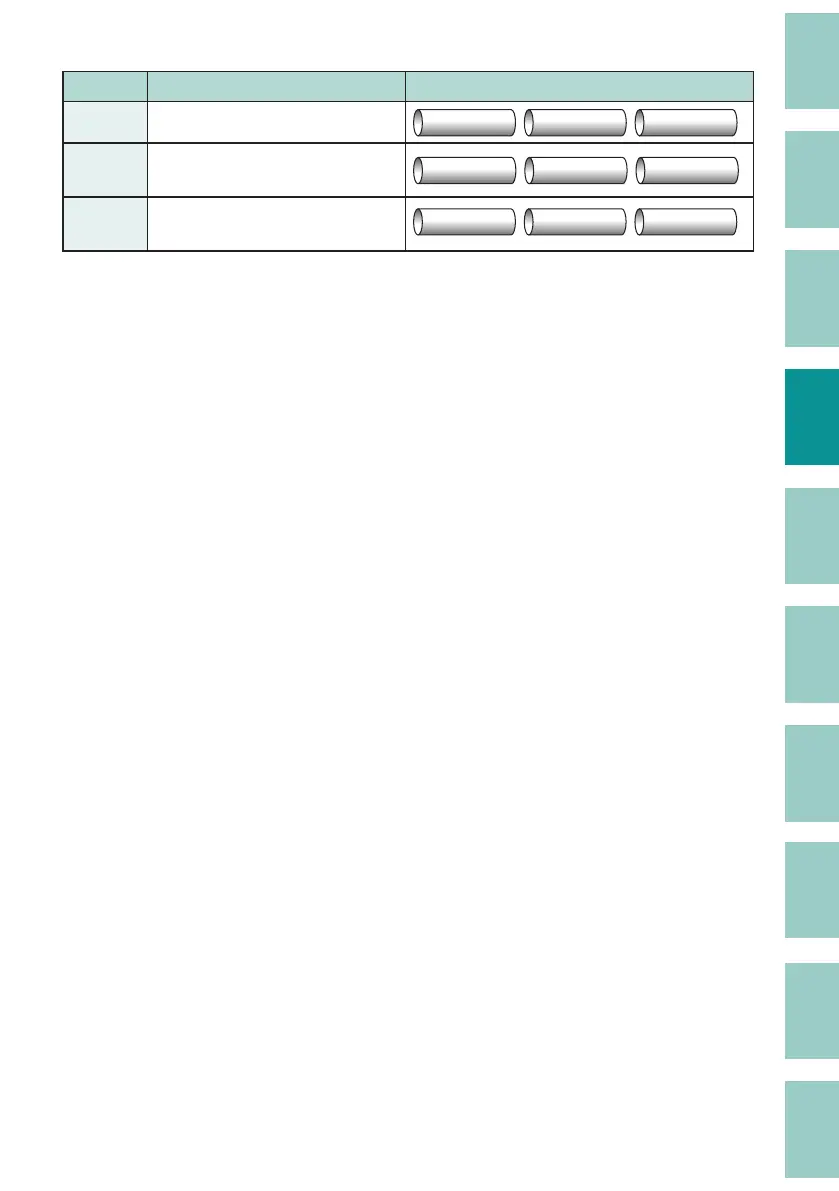
• The settings for padding characters are as follows.
Setting Details
Print Image
None
No padding characters.
Pump Room 8 Pump Room 9 Pump Room 10
Zero
A leading "0" will be entered as a
padding character.
Pump Room 08 Pump Room 09 Pump Room 10
Space
A leading space will be entered as a
padding character.
Pump Room 8 Pump Room 9 Pump Room 10
• If all the sequential numbers have the same number of digits, or if an alphabetic character is selected
for the sequential number, the settings screen for padding characters will not be displayed.



 To Next Page