69
Contents
Preparation/
Setup
Print Using a
Computer
Appendix
IndexPrint/SaveInput/Edit
Names of
Components
Maintenance/
Printer Settings
Trouble-
shooting
4
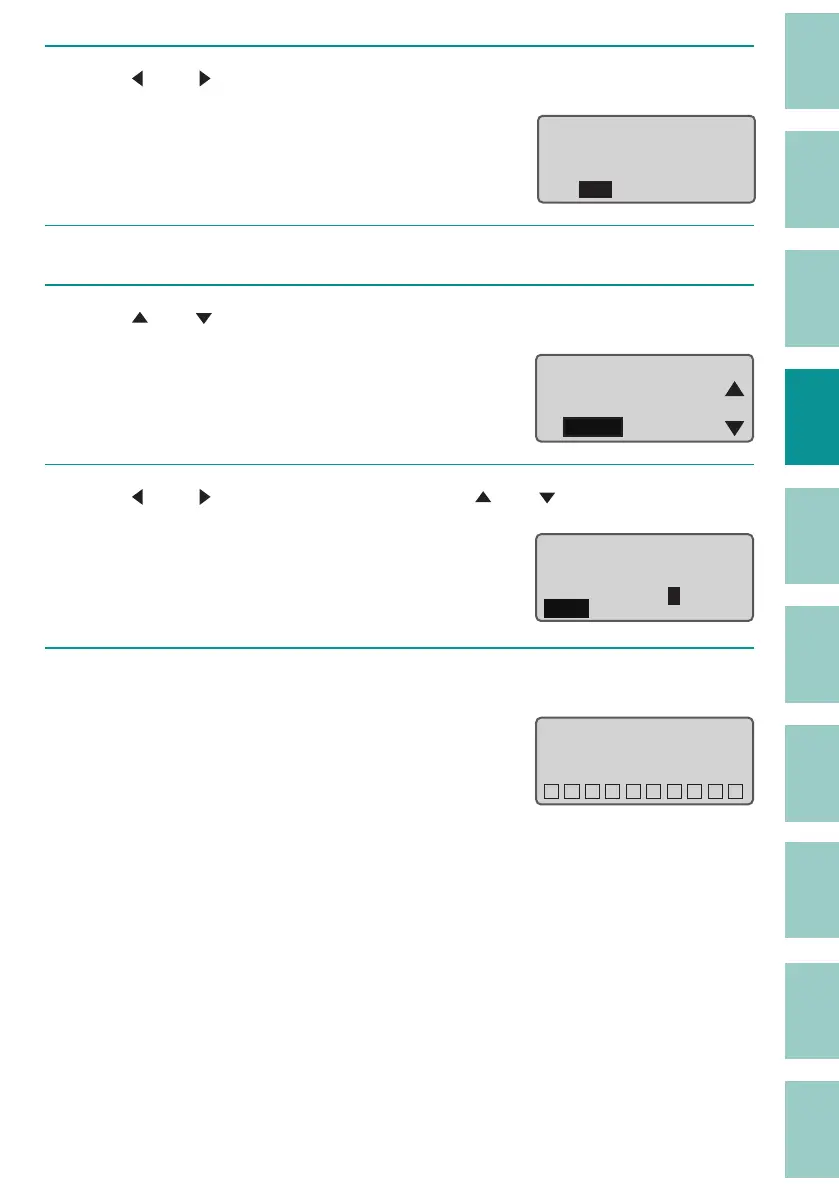
Use [ ] or [ ] to select "Yes" and press the [Enter] key.
The second page will be cut and you will be
returned to the character input display.
Cut data of page
2?
Yes No
5
Press the [Edit] key.
6
Use [ ] or [ ] to select " Paste" and press the [Enter] key.
A con rmation screen for the paste location
will appear.
Page Edit
Copy
Cut
Paste
7
Use [ ] or [ ] to enter "2" (page), and use [ ] or [ ] to select "After."
Paste data where?
Before
After
page 2
8
Press the [Enter] key.
The cut page will be pasted to the speci ed
location and The display returns to the
character input display.
Pasting data...
˛˛˛˛˛˛˛˛˛˛



 To Next Page