75
Contents
Preparation/
Setup
Print Using a
Computer
Appendix
IndexPrint/SaveInput/Edit
Names of
Components
Maintenance/
Printer Settings
Trouble-
shooting
5
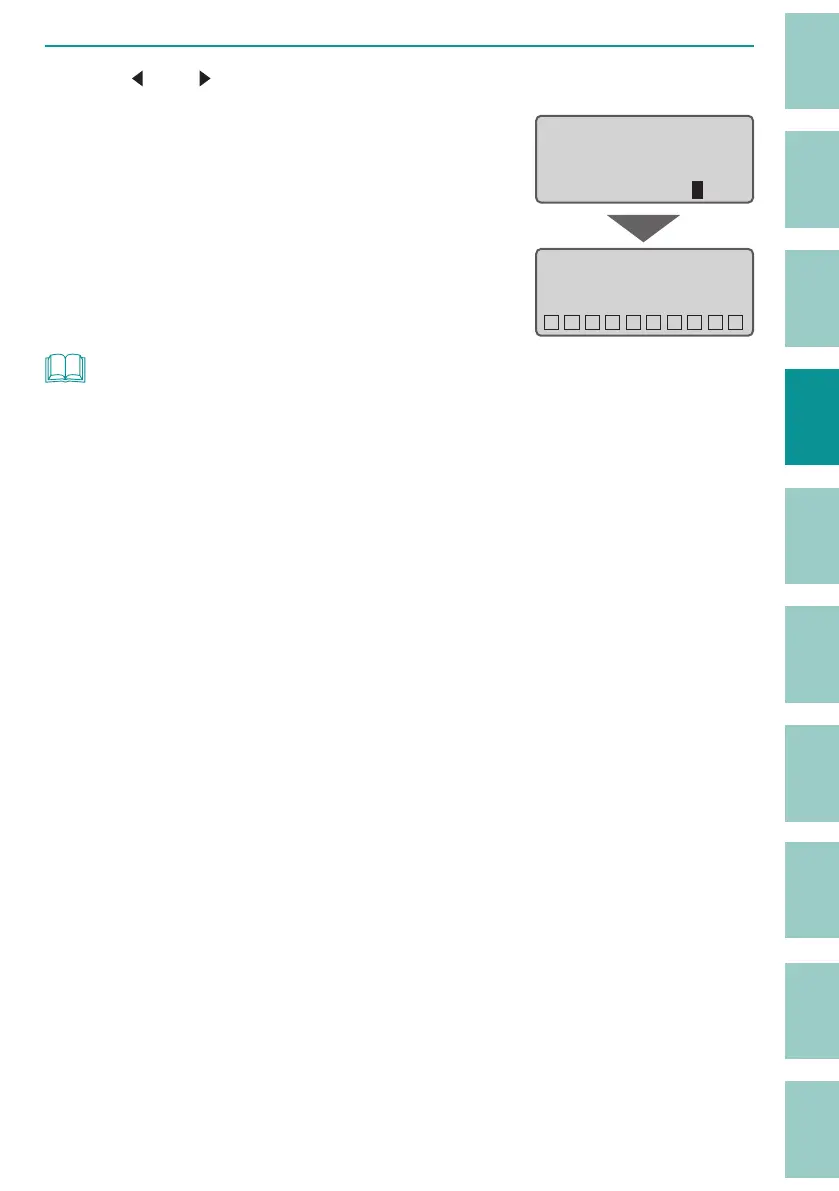
Use [ ] or [ ] to enter "4" (page) and press the [Enter] key.
Pages 3 to 6 will be combined and you will
be returned to the character input display.
How many pages do
you combine from the
current page?
Page count: 4
Combining pages...
˛˛˛˛˛˛˛˛˛˛
NOT
• Pages with numbering or pages with two- or three-line input cannot be combined.
• When you combine pages, the settings such as character size and cut length will be changed. It is
recommended to save the le before combining.
- The following settings will be changed to their default settings.
(P.41)
Character Size / Frame / Cut Length / Orientation / Continuous Print / Character Space
- Since the character size will be the default setting, the cut length may change depending on the
data. Also, if the cut length exceeds 150 mm, the data for the excess length will be deleted.



 To Next Page