Step Action Illustration
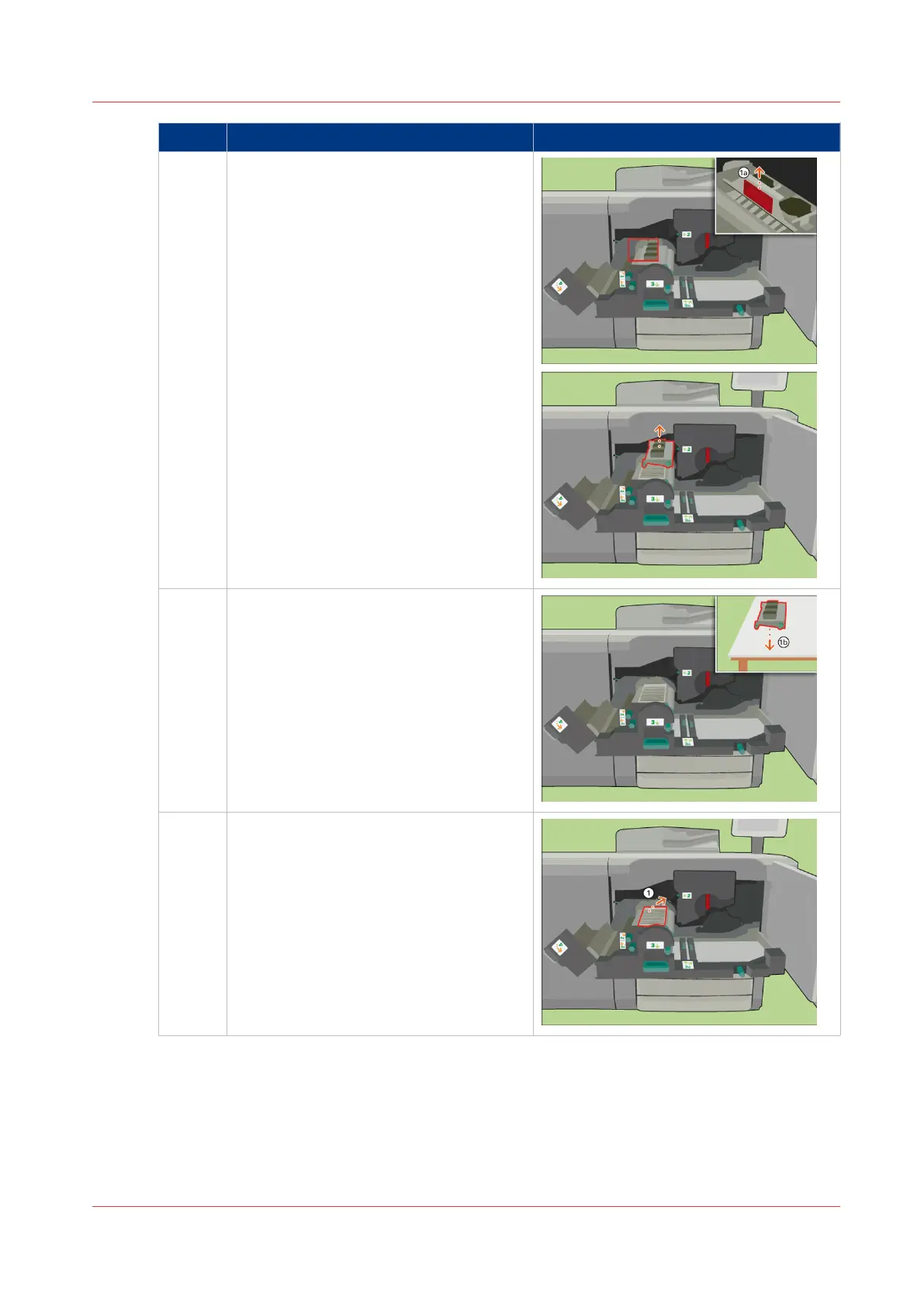
6 [Use the red handle to remove the heat
exchanger.]
7 [Place the heat exchanger on a clean, flat
surface.]
8 [Turn the pressure plate over.]
4
Replace the Heat Exchanger Foils
Chapter 18 - Printer Operation Care (POC)
387
Canon varioPRINT 135 Series














 To Next Page