Step Action Illustration
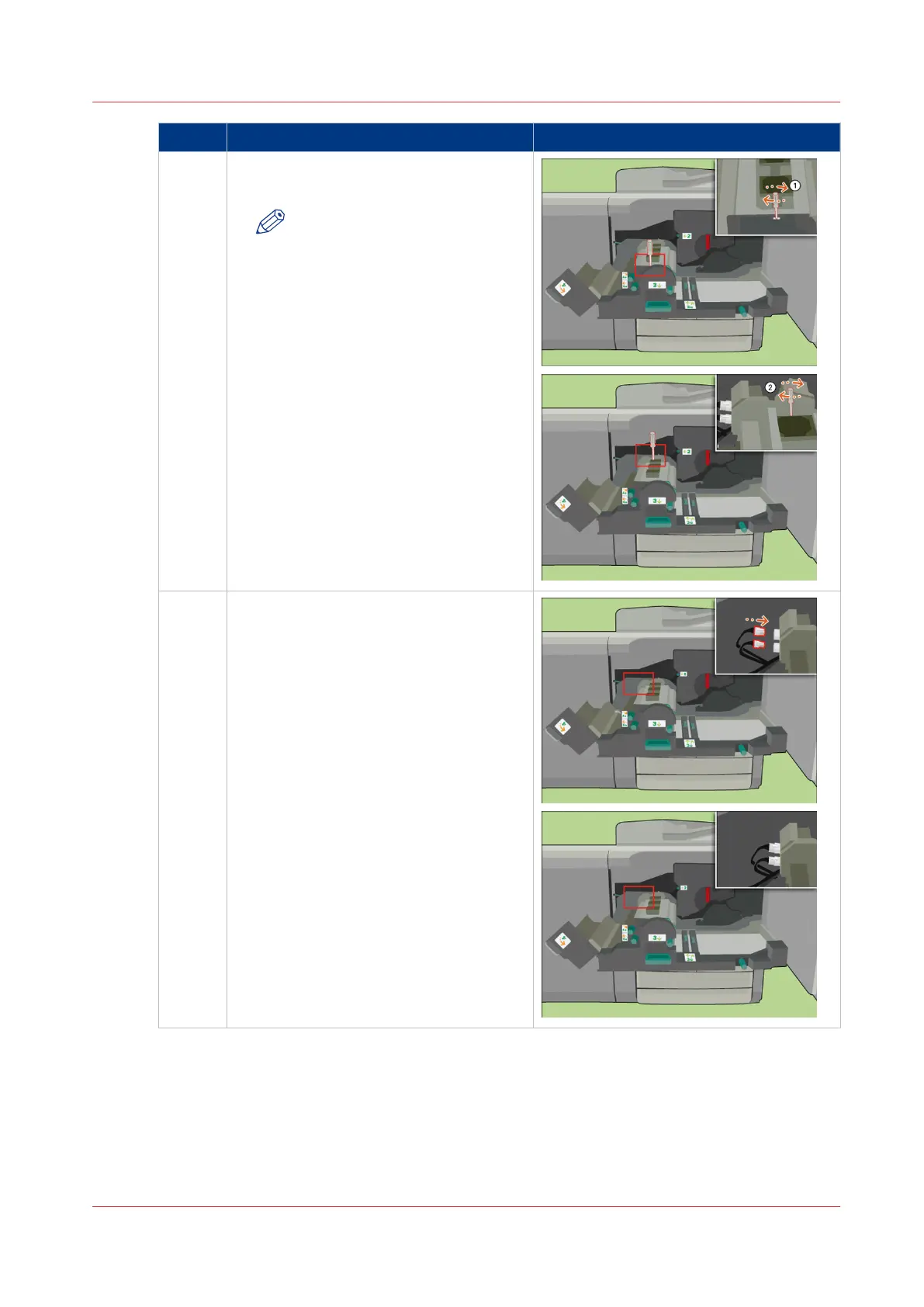
15 [Use the socket wrench to tighten the 2
fixation pens.]
NOTE
Push the fixation pens down
during the fastening.
16 [Place the 2 plugs of the heat exchanger
back.]
4
Replace the Heat Exchanger Foils
Chapter 18 - Printer Operation Care (POC)
391
Canon varioPRINT 135 Series














 To Next Page