Replace the flip rings
Step Action Illustration
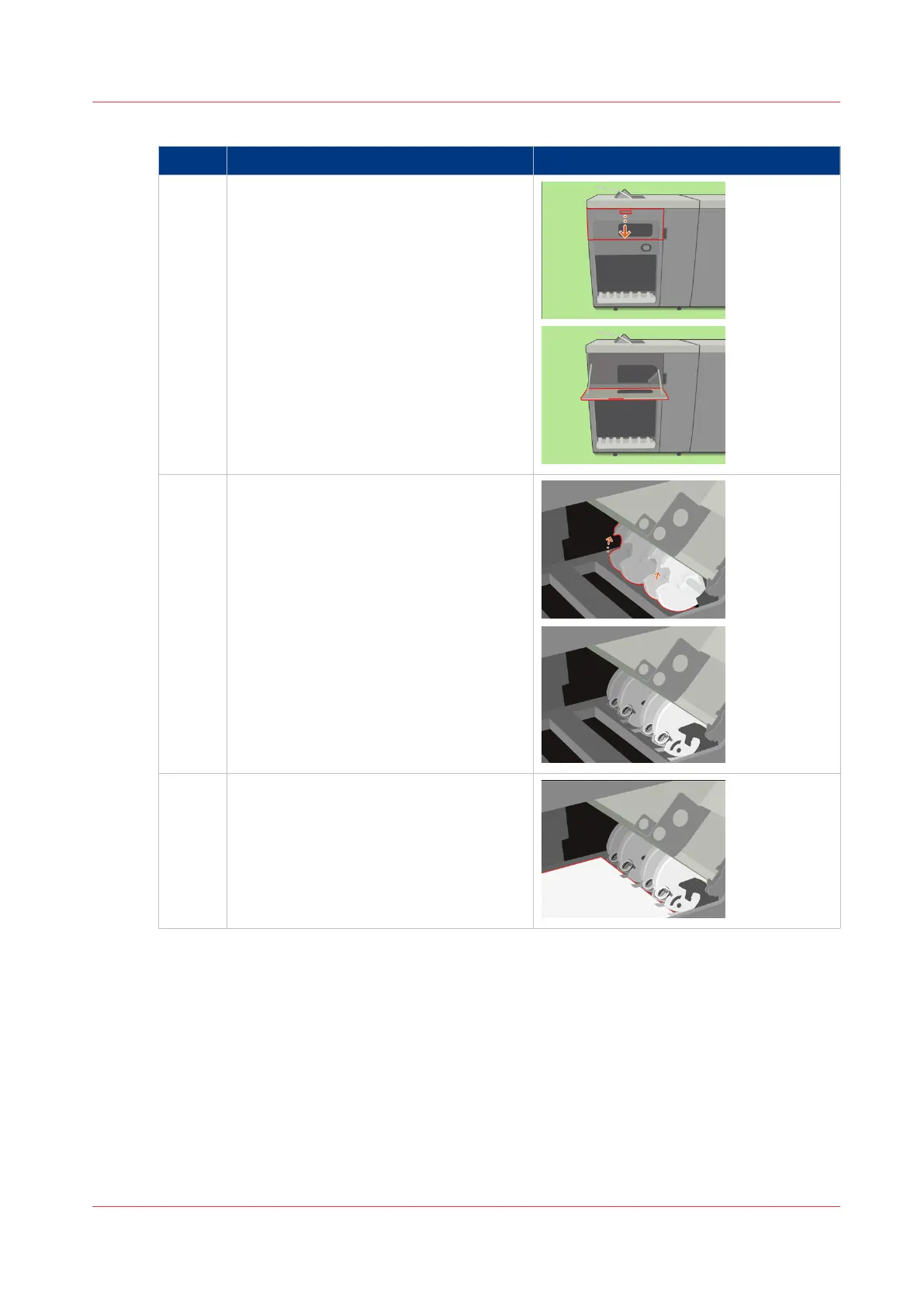
1 Open the front cover.
2 If required, rotate the flip wheel to get ac-
cess to the flip rings.
3 Put an A3/Tabloid sheet on the stack tray
to prevent parts from falling into the
stacker.
4
Replace the Flip Rings in the Flip Unit
Chapter 18 - Printer Operation Care (POC)
413
Canon varioPRINT 135 Series














 To Next Page