Step Action Illustration
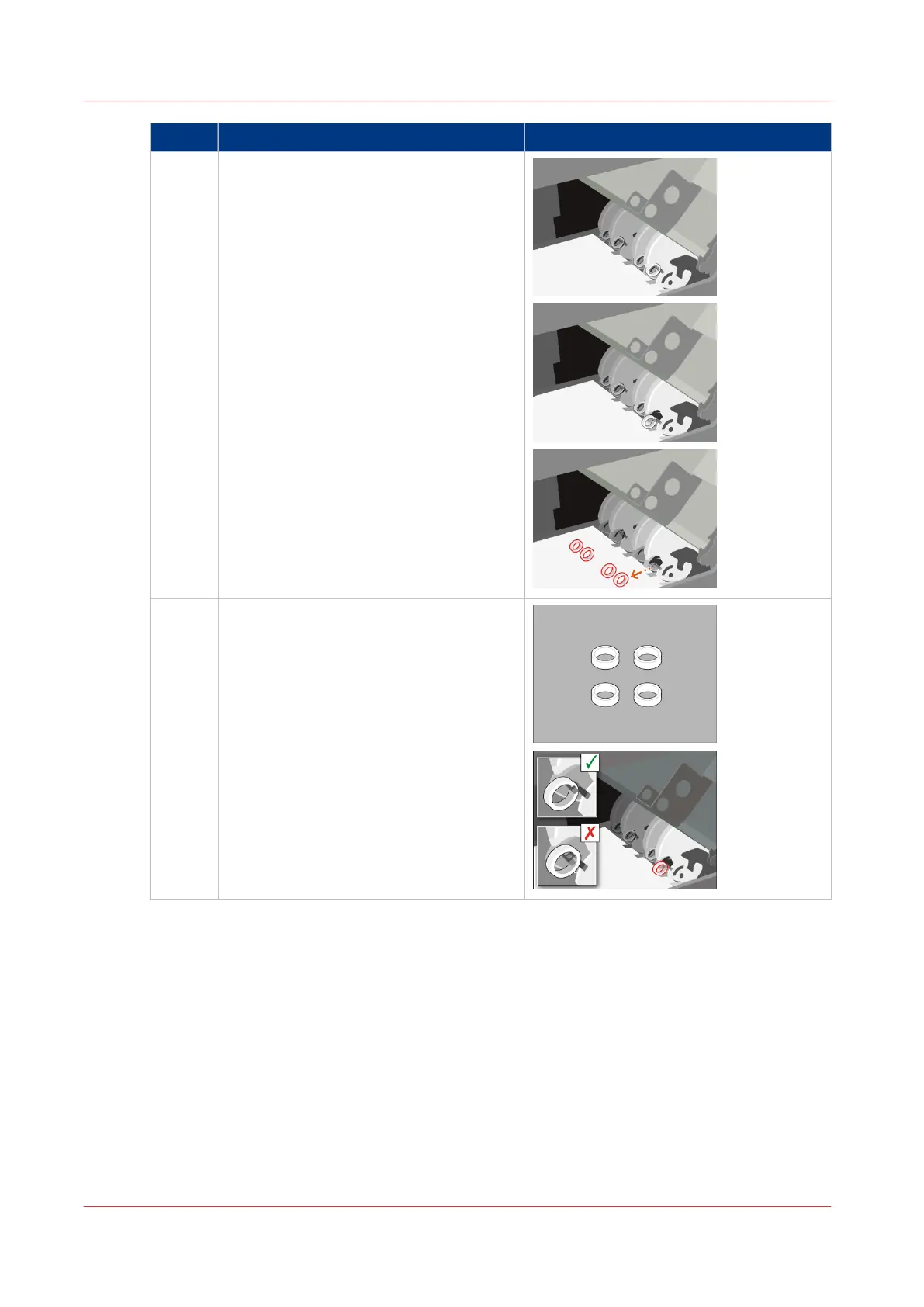
4 Remove the flip rings one by one.
5 Place the new flip rings one by one.
Check if the flip rings can rotate freely.
4
Replace the Flip Rings in the Flip Unit
414
Chapter 18 - Printer Operation Care (POC)
Canon varioPRINT 135 Series














 To Next Page