Step Action Illustration
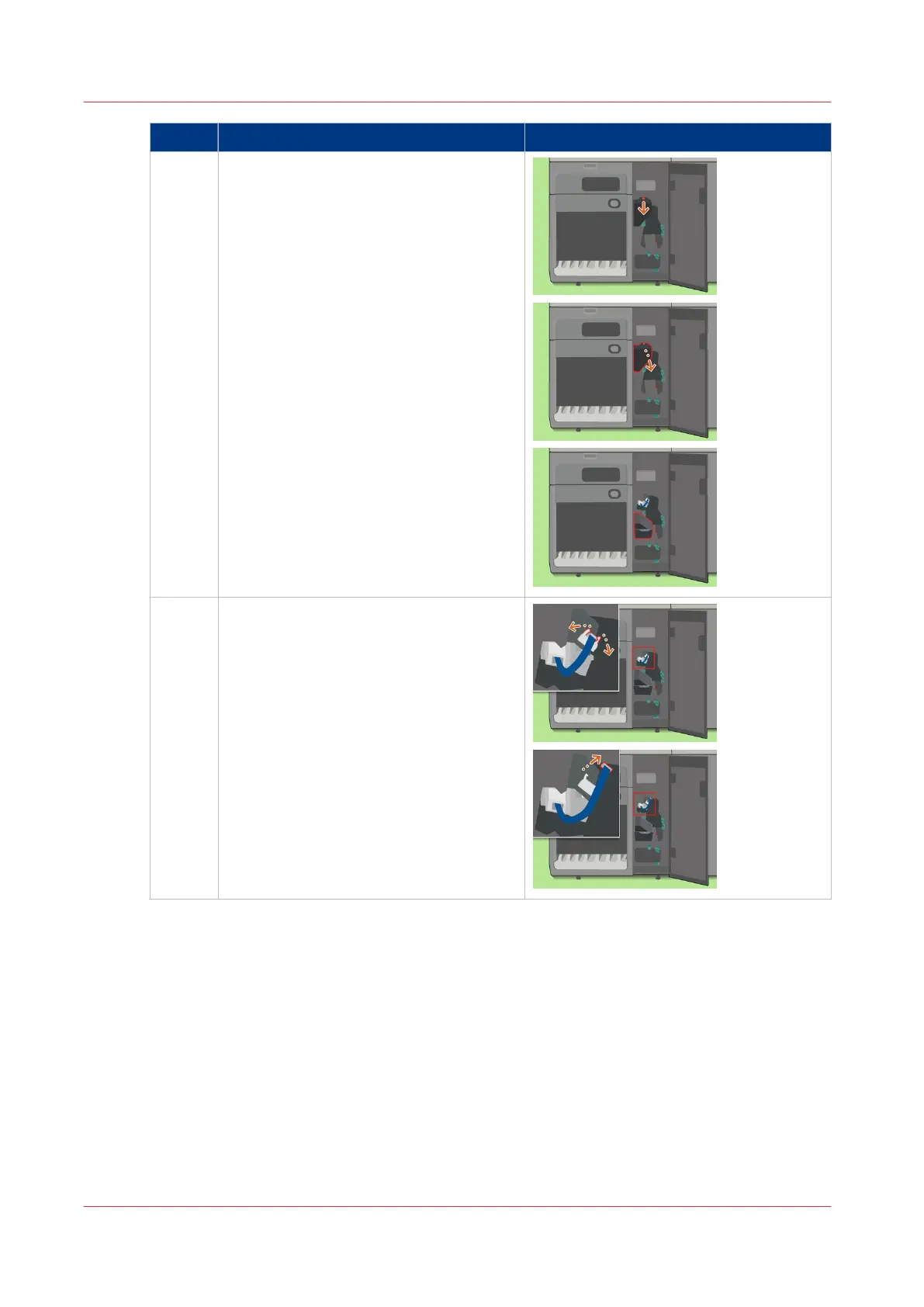
5 Use the socket wrench to loosen the
screw and open the cover.
6 Open the 2 retaining clips and disconnect
the flat cable.
4
Clear a Paper Jam in the Registration Unit
420
Chapter 18 - Printer Operation Care (POC)
Canon varioPRINT 135 Series














 To Next Page